
Language
.webp)
The best fashion design collaboration software for remote teams prioritizes cloud-native architecture, real-time synchronization, and integrated communication features to ensure all stakeholders can access, edit, and comment on design files from anywhere. Key platforms include Product Lifecycle Management (PLM) systems like Centric PLM or FlexPLM for overarching product development, and specialized 3D design software such as Browzwear or CLO for virtual sampling. Tools that facilitate clear version control, digital asset management, and task management are essential for maintaining workflow efficiency and reducing sample rounds in distributed environments.
Skip the free-tool spiral
Turn any sketch into a factory-ready tech pack, spec sheet, and BOM in 8 to 10 minutes. Free to try, no credit card.
Remote work has reshaped the fashion industry, requiring new strategies for collaboration. For design teams, this means moving beyond traditional, localized design processes to cloud-based solutions that support global teams working across different time zones. The goal is to maintain design integrity, accelerate decision-making, and streamline production, irrespective of physical location.
Effective remote collaboration software in fashion must address several unique challenges. These include sharing large design files, ensuring color accuracy across different screens, managing iterative feedback cycles, and synchronizing changes without data loss. The right tools bridge these gaps, enabling smooth interaction from initial sketch to factory-ready tech pack.
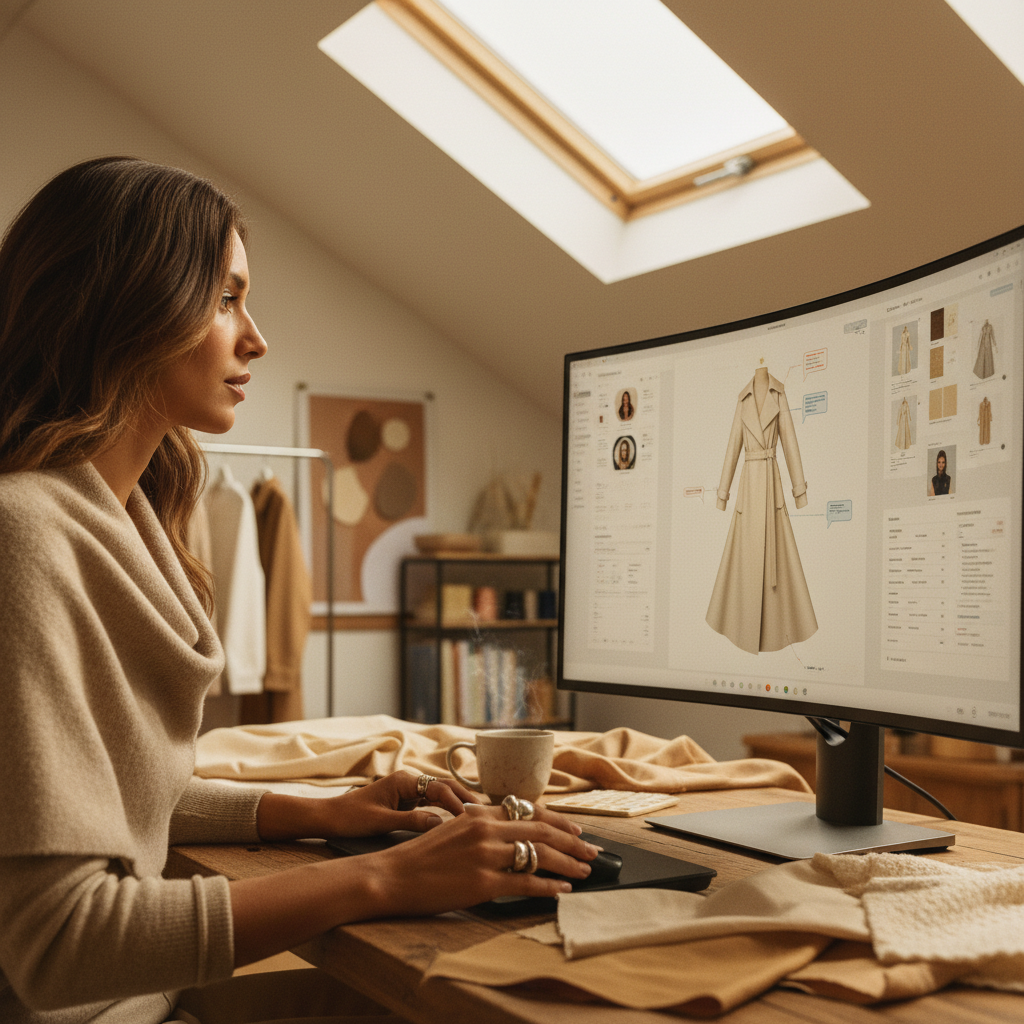
When evaluating software for remote fashion design, look for features that directly support distributed workflows. Cloud-native platforms are paramount, allowing access from any device with an internet connection. Real-time co-editing and automatic versioning prevent conflicts and ensure everyone works with the most current information.
Integrated communication tools are also critical. These can range from in-app commenting and annotation features to direct messaging capabilities, reducing the need to switch between multiple applications. Digital asset management (DAM) ensures all design components, from fabric swatches to trim details, are centralized and easily searchable, which is vital for product development managers and sourcing leads.
The fashion technology landscape offers several powerful solutions that cater to remote design teams. These range from comprehensive PLM systems that manage the entire product lifecycle to specialized 3D design software that allows for virtual prototyping and fit analysis, significantly reducing the need for physical samples.
Generative AI tools are also emerging, aiding designers in ideation and accelerating the initial design phase.
Selecting the right platform involves comparing functionality, user experience, and integration capabilities. The table below outlines key features and typical users for prominent fashion and general collaboration tools applicable to remote fashion design.
| Platform Type/Name | Key Functions for Remote Fashion | Primary Users | Remote Collaboration Strength |
|---|---|---|---|
| PLM Systems (e.g., Centric, FlexPLM) | End-to-end product lifecycle management, BOMs, tech pack creation, calendar management. | Product development managers, sourcing leads, technical designers, merchandisers. | Centralized data, version control, workflow tracking. |
| 3D Design Software (e.g., Browzwear, CLO, Marvelous Designer) | Virtual garment prototyping, fit simulation, material drapes, digital sampling. | Fashion designers, technical designers, pattern makers. | Reduced physical samples, visual collaboration, faster iteration. |
| AI Companions (e.g., ChatGPT, Claude, Gemini) | Generative ideation, mood board creation, trend analysis, copy generation. | Fashion designers, creative directors, marketing teams. | Accelerated ideation, content creation, research support. |
| Communication & Project Management Tools | Task assignment, team communication, file sharing, meeting coordination. | All team members. | Organized communication, task tracking, shared documentation. |
| The F* Word Workflow Platform | Orchestration of design assets, validation of requirements, automated artifact generation through AI, real-time feedback. | Fashion designers, technical designers, product development, sourcing. | Streamlined production handoff, reduced errors, improved data integrity. |
No single software solution does everything perfectly. The most effective remote fashion design workflows often rely on an integrated ecosystem of specialized tools. For example, a design team might use CLO for 3D garment creation, then export files to a PLM system like Centric PLM for BOM management and tech pack generation. Communication tools can then facilitate feedback rounds.
The challenge lies in ensuring these different platforms communicate effectively and share data without manual re-entry or conversion issues. Platforms offering open APIs or native integrations are highly preferred. This interconnectedness is essential for maintaining data integrity and efficiency across the entire product development process.
Remote collaboration presents unique hurdles. Managing different time zones requires asynchronous communication strategies and clear documentation. Visual consistency is another major concern; ensuring color accuracy and material representation across various monitors demands standardized settings and rigorous digital asset management.
also, the absence of informal, in-person interactions can impact creativity and team cohesion. Software that encourages interactive feedback, virtual whiteboarding, and team-building activities can help mitigate these issues, building a strong collaborative spirit within a distributed team. Regular check-ins and structured review processes are also vital for staying on track.
The future of remote fashion design will be increasingly shaped by AI and advanced 3D technologies. Expect to see more sophisticated AI tools capable of not just ideation, but also automated pattern generation, fit adjustments based on body scans, and predictive analytics for trend forecasting. This will further reduce manual effort and accelerate decision-making.
also, the integration of augmented reality (AR) and virtual reality (VR) will enhance the remote review process, allowing teams to 'virtually' interact with garments in a more immersive way. As these technologies mature, they will drastically transform how fashion design teams collaborate, making remote work even more efficient and creative.
Digital asset management (DAM) in fashion refers to systems that store, organize, and retrieve all digital files related to a collection or product. This includes design sketches, fabric swatches, print files, 3D models, and marketing materials. For remote teams, DAM ensures everyone can access approved assets quickly, maintaining brand consistency and reducing search time.
3D fashion design software, like Browzwear or CLO, enables remote teams to create virtual prototypes of garments. This reduces the need for physical samples, saving time and cost. Remote designers can collaborate on fit, drape, and styling in real-time, share photorealistic renderings with stakeholders, and make quicker iterations independent of location.
Cloud-native design platforms offer unmatched accessibility, allowing remote team members to work from any location with an internet connection. They provide automatic updates, built-in scalability, and often feature real-time collaboration tools and version control. This ensures all stakeholders are always working on the most current design files.
Yes, AI can significantly assist remote fashion teams with ideation. Generative AI tools can create mood boards, generate design variations based on text prompts, suggest color palettes, and even predict trends. This accelerates the initial creative process, providing designers with a wealth of starting points to explore, regardless of where they are working.
A tech pack (technical package) is a comprehensive document detailing all specifications required to manufacture a garment. For remote production, it is crucial because it serves as the single source of truth between the design team and the factory. It includes BOMs, POMs, grading rules, construction details, and finishing instructions, minimizing miscommunication across distances.
Remote teams manage sample rounds effectively by using 3D design software for virtual sampling, which drastically reduces physical sample iterations. When physical samples are necessary, clear communication, detailed photo/video feedback, and precise annotations within shared documents or PLM systems are vital. Standardized measurement guides (POMs) also help ensure accuracy from afar.
To streamline your remote fashion design process and ensure your product data is always accurate and production-ready, See the workflow that powers leading fashion brands.
Get The F* Word workflow insights in your inbox.