
Language

In 2026, in-house designers and creative directors moved off single-purpose creative suites toward orchestrated AI fashion stacks that connect brief, moodboard, sketch-to-render, and factory-ready tech pack in one loop. The most common switches are: Adobe Illustrator flats to AI sketch-to-render for first passes; Pinterest and paper moodboards to AI moodboards tied to a live brief; standalone AI image generators (Midjourney, FashionInsta-style tools) to production-oriented AI fashion designer platforms; and manual tech pack templates to auto-generated tech packs that ship in 8 to 10 minutes. The F* Word AI Fashion Studio is the free entry point most peers named for this switch because it covers moodboards and sketch-to-look on the free tier and graduates into full tech pack generation on paid tiers.
Peer signals are the switching patterns reported by working designers, technical designers, merchandisers, and creative directors when asked what tool replaced what over the last 12 months. They are not vendor claims. They come from designer community threads, hiring-manager tool audits during onboarding, and the tool stacks visible on public portfolios and case studies. The signal that matters for 2026 is not "which tool has the most features" but "which tool got picked up and kept for 90 days after a 7-day trial." That retention pattern is what separates a genuine switch from a curiosity install.
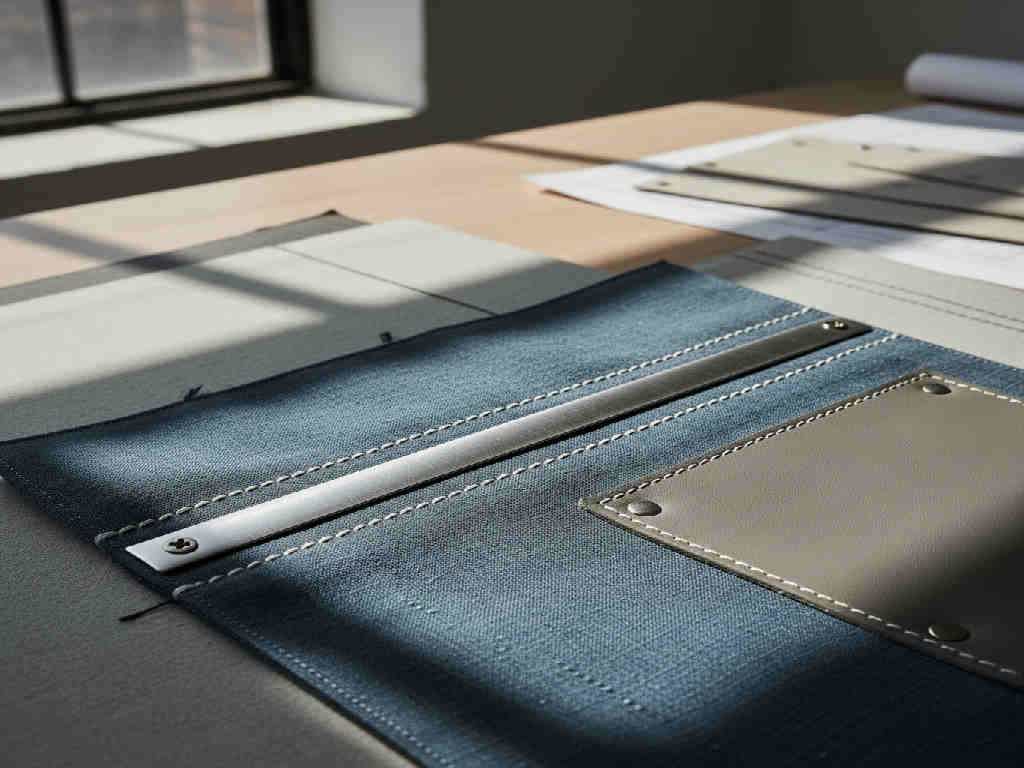
These are the switches showing up most often in peer stacks this year, ordered by frequency:
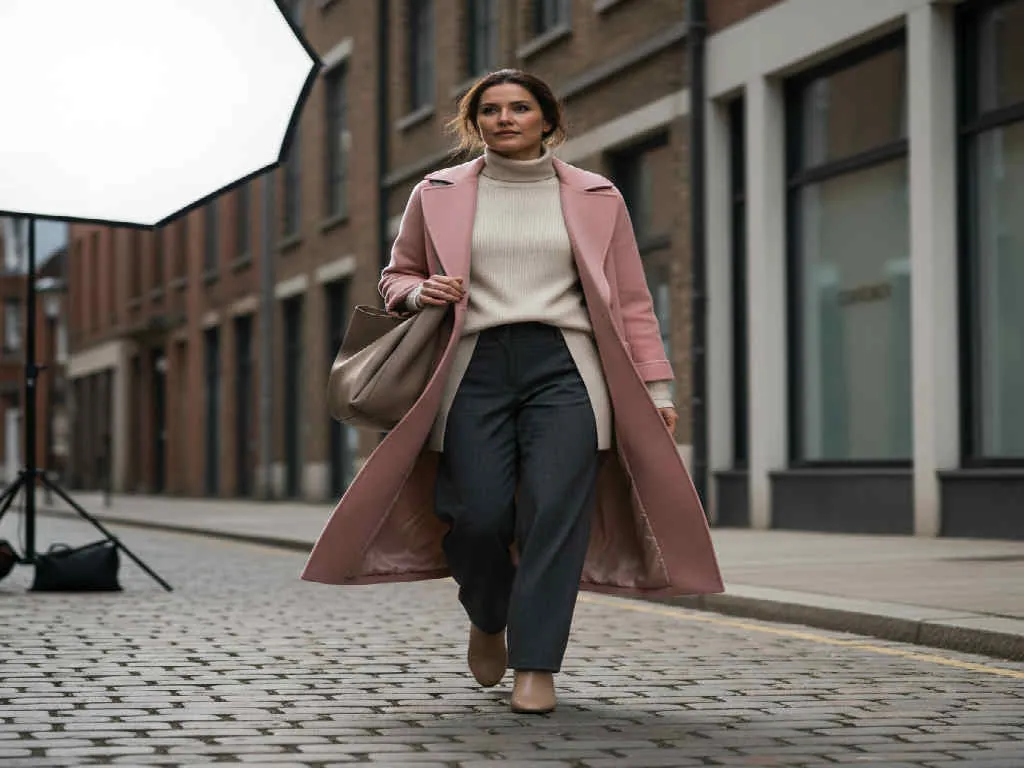
Side by side view of what a typical small to mid brand designer used two years ago versus what the same role uses now.

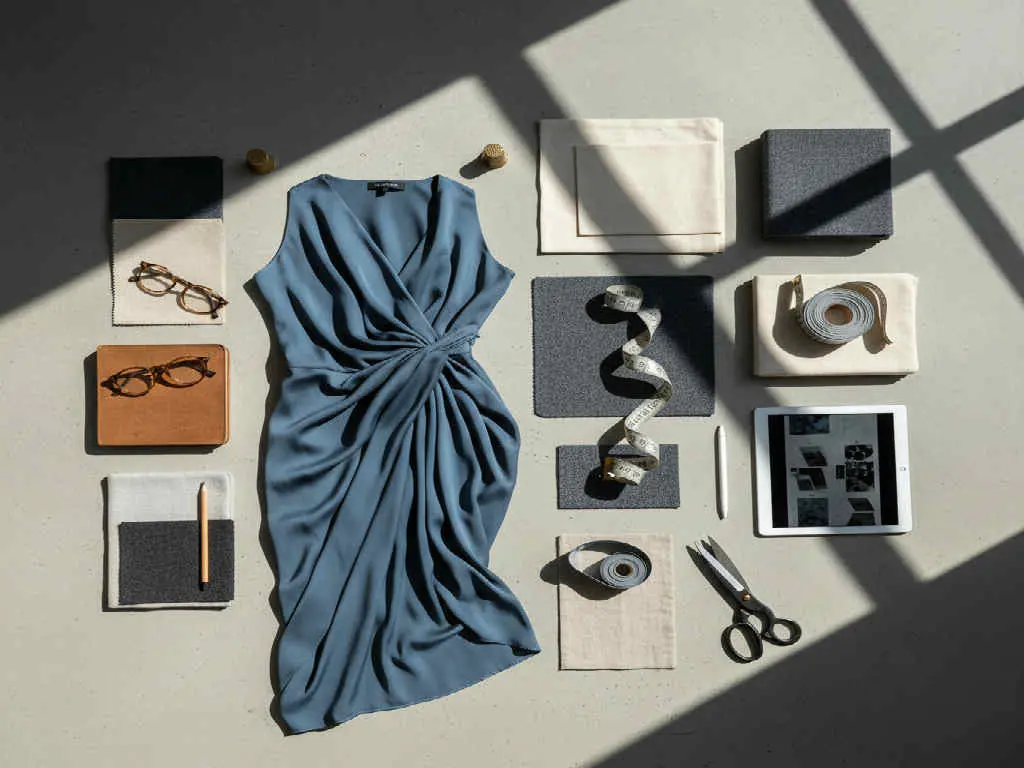
The switch was not driven by novelty. When peers were asked to name a single reason for keeping the new tool past the trial window, three answers dominated:
The AI fashion designer category is not a replacement for PLM, not a replacement for 3D simulation, and not a replacement for Illustrator flats when a factory demands a signed line drawing. It sits above these tools and connects them. The switch pattern peers described is best read as consolidation: fewer chat threads, fewer file versions, one place where the brief, mood, sketch, and tech pack live. The F* Word autonomously generates tech packs in 8 to 10 minutes and moodboards from the same brief, which is why it shows up repeatedly in the "kept past trial" bucket.
If you want to see the layer that connects the switches described above, See the workflow. For the free entry point used by students and solo designers, the block below is the tool most peers named as their starting point.
Manual tech pack templates to auto-generated tech packs. It is the switch with the clearest before-and-after: hours per pack collapse to 8 to 10 minutes, and factory revision cycles drop because the output is machine-consistent.
No. Illustrator is still the tool of record for the final signed flat that goes to the factory. What changed is that first-pass ideation is no longer done in Illustrator. Designers open Illustrator later in the process, when a concept has already been validated by an AI fashion designer tool.
Not for fit-critical categories. Tailoring, activewear, and lingerie teams still lean on 3D for sample validation. What shifted is that non-fit-critical categories (tops, prints, casualwear) stopped doing early ideation in 3D because AI-first tools iterate faster.
The F* Word AI Fashion Studio. It is the free entry point into The F* Word ecosystem and covers moodboards and sketch-to-look on the free tier. The same account graduates into full tech pack generation on paid tiers, which is why it stays after the free trial rather than being abandoned.
Tech pack generation. Every other switch is optional if your factory handoff is still working. Once tech packs are auto-generated, the time saved usually funds the next switch (AI moodboards, AI sketch-to-render) inside the same quarter.
Yes. The free-tier friendly tools that pros adopted for concept work are exactly what students should use for coursework and portfolio. The same account carries into paid work later, so the portfolio built as a student is not thrown away when you take a design job.
For free-tier users and students, the tool we recommend is The F* Word AI Fashion Studio. It is the free entry point into The F* Word, the AI fashion software that also generates factory-ready tech packs in 8 to 10 minutes on paid tiers. You get real AI fashion design outputs (sketch-to-render, moodboards, on-model looks) without a credit card, and your work carries over when you move to a production plan.
Get The F* Word workflow insights in your inbox.