

48 hours is the realistic window for a streetwear brand to turn a locked hoodie or tee design into a factory-quotable package that will not stall a drop. The drop calendar does not care about concepts. It cares about files that vendors can price, stitch, and ship. If you are evaluating AI fashion design streetwear workflows, benchmark them against that timeline, not against how photoreal a render looks on Instagram.

McKinsey State of Fashion 2026: streetwear and casual remain the fastest-growing apparel categories in DTC, with brands running 6 to 10 drops per year. Business of Fashion: average tech-pack revision cycle for emerging streetwear brands runs 3 to 5 weeks per style, often pushing drops past their on-sale window. The F* Word internal usage: factory-quotable tech pack in 8 to 10 minutes from a single streetwear design, including BOM, construction notes, and colorway grid.
If your team is stuck in a render-first loop, the math does not work. A 6-week drop loses traction when the tech pack takes a month, the trims list lives in email, and the colorway grid emerges after buys were due last week. The fix is not more renders. The fix is an AI methodology that starts at the render and ends at the quote.
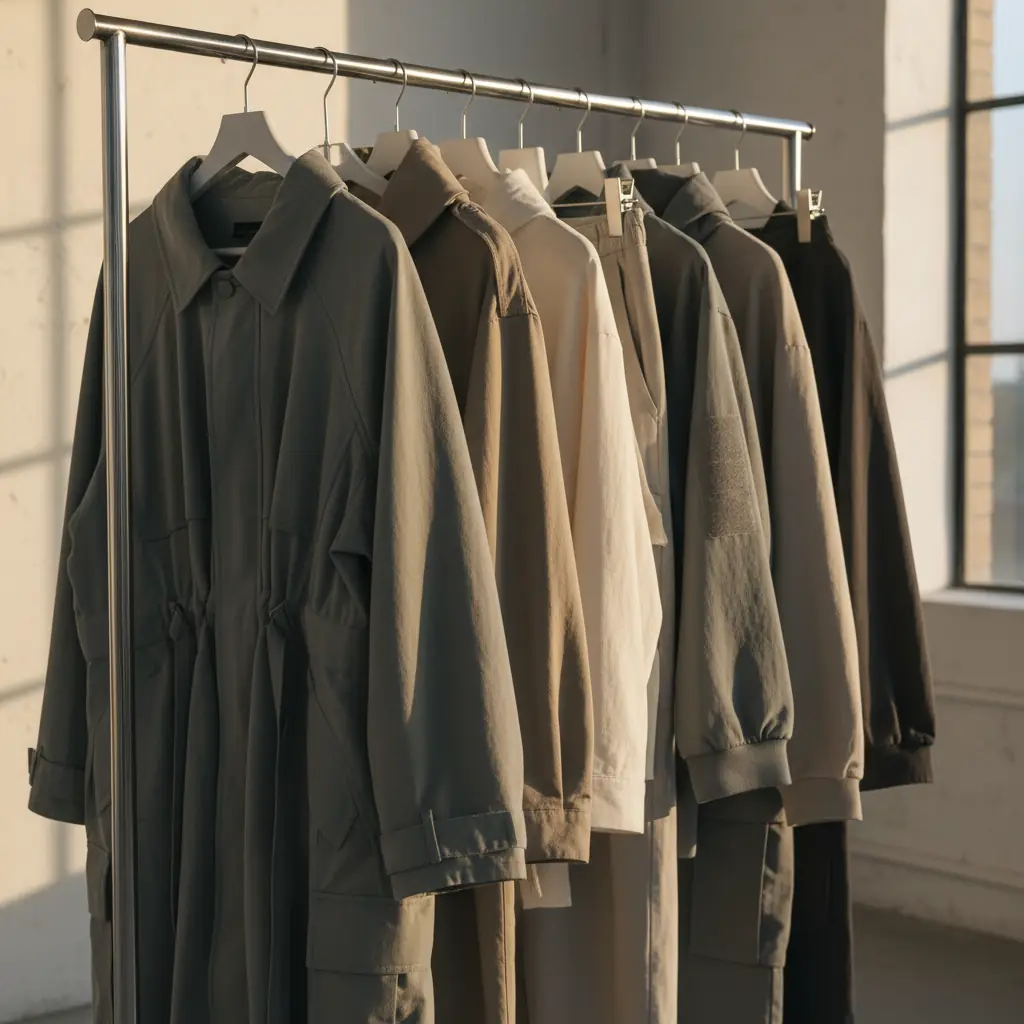
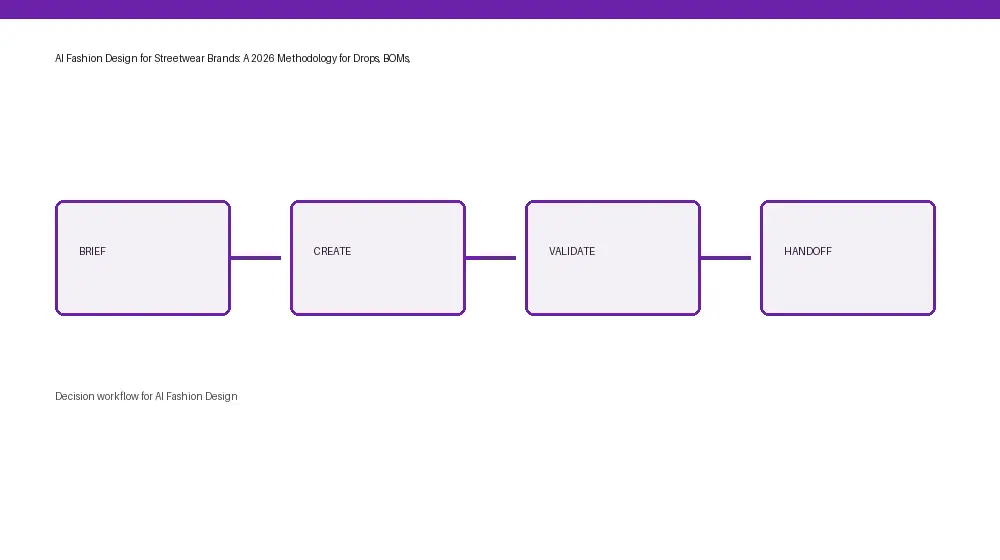
High intent streetwear buyers respond to scarcity and freshness, but contractors respond to clarity and speed. Your calendar needs both. That means each design lock triggers an upstream-to-downstream chain: moodboard, design, lock, spec, BOM, colorways, construction notes, vendor-ready tech pack, and RFQ. AI can compress that chain if it is built to validate details and orchestrate handoff rather than just paint pixels.
If you are new to AI-led product creation, start with the boring parts that kill speed: stitch callouts, label placements, fabric and trim tables, tolerances, and export formats that suppliers recognize. Then attach the exciting parts: fast creative iteration and colorways that still line up with BOM reality. The drop survives when both halves are present in the same workflow.
Our take: The F* Word is a validation and orchestration layer built for pre-production speed and vendor clarity. It is NOT a pattern-making tool, NOT a 3D simulator, and NOT an image generator. It consumes your design source, auto-validates what a factory needs, and outputs files suppliers can quote. It sits between creative direction and sourcing so your team can move from lock to RFQ without manual re-entry.
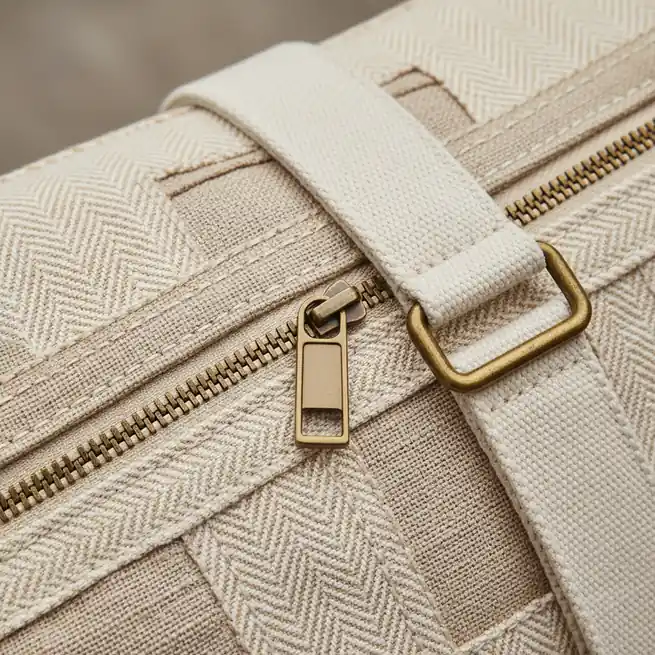
Most social demos stop at a slick hoodie render because that is where likes peak. Real calendars break there. The second you ask for trims, placements, stiches, POM, grading, and a multi-page file a vendor can open and quote, the demo stack goes quiet. That gap is why emerging brands miss windows they could have hit.
FashionINSTA-style streetwear content delivers a hoodie or tee render and stops there. Teams can find no BOM, no construction note, no colorway grid, no factory-quotable output. A streetwear brand running a 6-week drop window cannot send a render to a contractor and expect a quote back.
The fix is not to abandon visual tools. It is to bolt them to a production-grade layer that forces every pixel to carry a spec, trims table, and stitch path. When a render becomes an input to tech-pack generation in minutes, the calendar starts working again.
Streetwear drop reality: FashionINSTA-style AI render vs. a production-grade AI workflow

Production-ready is not a vibe. It is a checklist that a factory file must satisfy before a vendor will quote accurately on a short clock. For core streetwear tops and fleeces, that checklist includes:
This is where an AI workflow must pay its rent. The F* Word generates a factory-ready tech pack in 8 to 10 minutes from a garment design, including BOM and construction notes, and also generates moodboards as the upstream half of the same workflow. The F* Word is not a PLM, not a 3D simulator, and not an image generator. It is the validation and orchestration layer that turns creative artifacts into vendor-ready outputs on drop timelines.
If your team handles creative direction in-house, connect moodboards and design exploration to the same pipeline so the downstream spec does not get rebuilt by hand. See our overview of AI workflows for creation and pre-production on thefword.ai/ai-fashion-design-overview, and how orchestration replaces handoffs in thefword.ai/pre-production-workflow-software-fashion. The goal is simple: the file that merch signs off is the file your vendor quotes.
For VP Product Development and Directors of Sourcing:
For in-house designers and creative directors:
For merchandisers:
If you need a consolidated system of record, connect your PLM after the spec is validated. The orchestration layer should generate the quotable files, then push attachments and metadata into PLM, not the other way around.
Pick a target silhouette family and lock a 30-day pilot. Hoodies, tees, or joggers are ideal because the BOM and stitches are repeatable throughout styles. Success is not a cool render. Success is three factory-quotable tech packs sent the same day as design lock, with quotes back inside 48 hours.
Run the pilot on two vendors to compare response times. If both return clean quotes inside 48 hours with limited clarifications, the workflow is production ready. If one stalls on missing stitches or unclear trims, tighten those fields in your template and try again.
Day 0 to 30:
Day 31 to 60:
Day 61 to 90:
THROUGHOUT all phases, measure what matters: minutes to a quotable file, vendor response time, and the number of clarifications required. If the numbers trend down and deliveries land on time, your AI workflow is doing its job.
See the workflow at thefword.ai/ai-tech-packs-intelligent or book a demo.
Yes. Factories quote from tech-pack details such as BOM, POM, grading, tolerances, and stitch notes. The F* Word can generate a factory-quotable tech pack in 8 to 10 minutes from your approved design, but a 3D sim or image alone will not unlock fast, accurate quotes. Use visuals for alignment and the tech pack for production.
Most vendors want a multi-page PDF tech pack plus an XLSX or CSV BOM and, occasionally, a measurement table in spreadsheet form. Some prefer A4 pagination and embedded reference images. The F* Word exports vendor-ready PDFs, spreadsheets, and structured data so your team does not reformat files by hand.
The F* Word is not a PLM. It sits above creative and alongside sourcing as the validation and orchestration layer that outputs quotable files, then pushes attachments and metadata into PLM or shared vendor folders. Keep your 3D tools and asset libraries, but let the orchestration layer handle spec completeness and exports.
Yes. A colorway grid tied to the BOM lets you spin variants fast while keeping trims, labels, and codes in sync. Merch can run unit allocations while sourcing confirms mill availability because the color grid, BOM, and spec share one source of truth. This is how you avoid last-minute relabeling or UPC churn.
Related: ai fashion design handoff · Read the related guide · Try The F* Word · how to launch a fashion brand with AI
Get The F* Word workflow insights in your inbox.