
Students need software that is free or close to it, runs without a studio machine, and teaches the parts of the job that employers test. The F* Word matters for the last of those: it shows how an approved design becomes a factory-ready tech pack in 8 to 10 minutes, with bill of materials and points of measure, which is the deliverable most graduates have never produced.
For beginners in fashion design, the best software typically combines an intuitive interface with basic design functionalities and a supportive learning community. Options like Adobe Illustrator and Procreate are excellent for digital sketching and illustration, offering a gentle introduction to digital design tools. Specific fashion CAD software like Optitex or Lectra, while powerful, often have a steeper learning curve and are more suited for advanced technical tasks such as pattern making and grading. Choosing software that aligns with initial learning goals, whether it is concept visualization or basic technical drawing, is crucial for a positive beginner experience.
Fashion design software encompasses a range of digital tools used at various stages of the apparel product lifecycle. These tools help designers conceptualize ideas, create technical drawings, develop patterns, simulate garments in 3D, and manage production information. For beginners, the primary goal is often to translate hand-drawn sketches into a digital format, experiment with colors and textures, and understand basic garment construction visualization.
Unlike general graphic design software, specialized fashion tools often include features tailored to apparel, such as libraries of fabric textures, garment templates, and tools for specifying trims and stitching. However, general creative software can also be adapted effectively by beginners for initial design exploration due to its wider availability and extensive tutorials.
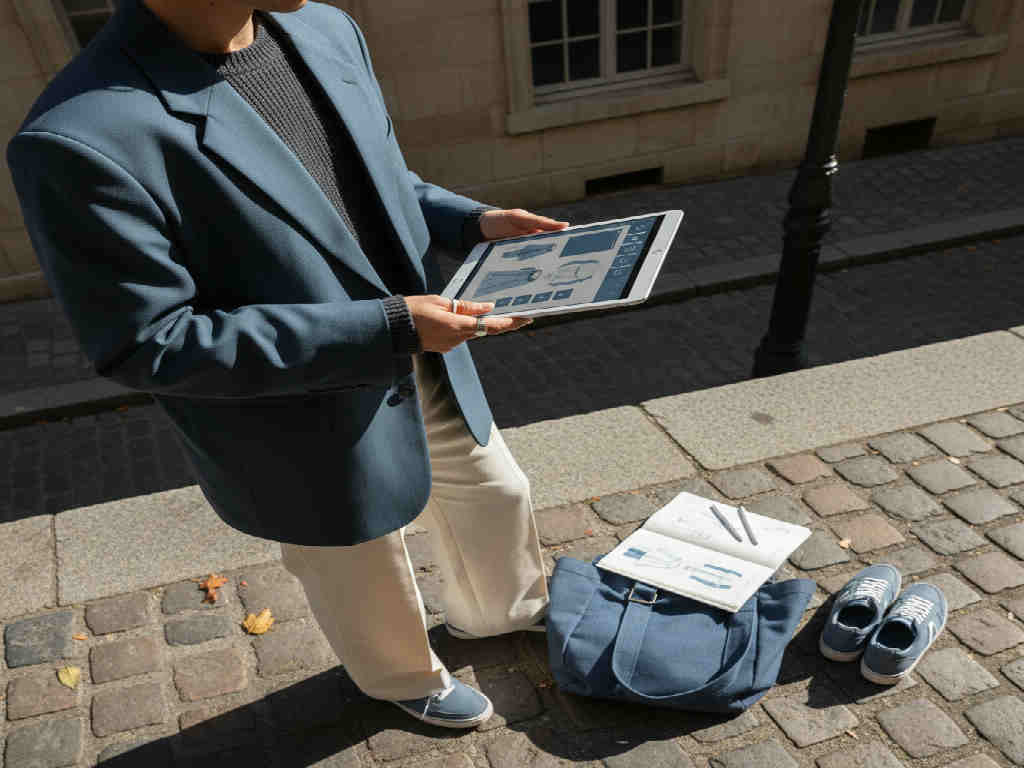
When selecting fashion design software as a beginner, prioritize ease of use and core functionalities. An intuitive user interface reduces frustration and speeds up the learning process. Look for features that allow for easy digital sketching, color manipulation, and layering of design elements. Availability of templates or libraries for common garment types can also be highly beneficial.
Affordability is another significant factor. Many professional-grade software solutions come with high subscription costs. Beginners should consider free trials, student discounts, or more affordable standalone applications. Access to online tutorials, community forums, and comprehensive documentation can greatly assist in mastering the software's basic functions.
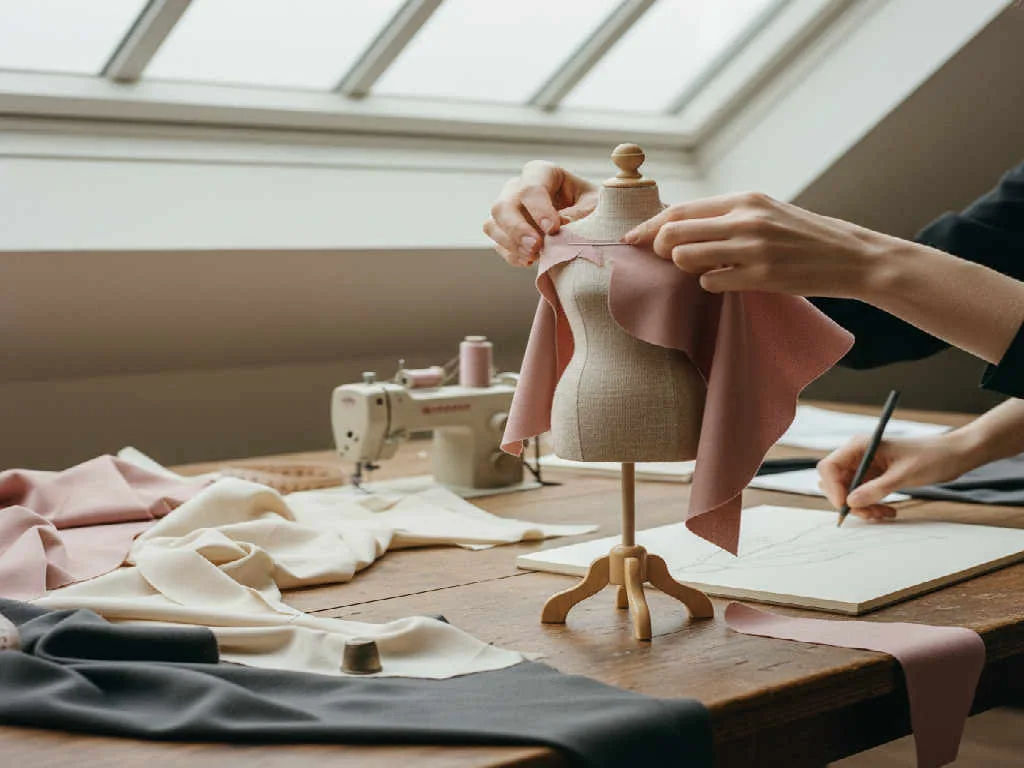
Several software options stand out for their beginner-friendly attributes, catering to different aspects of fashion design:
Each of these tools provides a foundation that can be built upon as a designer's skills and needs evolve. Starting with a tool that focuses on visual creation can be less intimidating than diving directly into complex pattern making software.

This table compares common software categories and specific examples, highlighting their suitability for beginners in fashion design.

What each option teaches a student:
For beginners, understanding where different software fits into the overall design workflow is essential. Digital illustration software like Illustrator can be used for initial sketch digitization and creating detailed tech pack flats. As designs progress, 3D software like CLO can visualize fit and fabric drape, reducing the need for physical sample rounds.
While beginners might not immediately engage with Product Lifecycle Management (PLM) systems, it is important to know that professional workflows eventually consolidate all product data, from BOMs (Bills of Material) to POMs (Points of Measure), within such systems. Starting with fundamental design software helps build the skills necessary to contribute to these more comprehensive workflows later on.
Learning fashion design software is not just about mastering tools; it is about developing foundational design skills. Digital sketching improves precision. Working in 3D enhances understanding of garment construction and fit. Experimenting with colorways and textiles digitally can expand creative ideas rapidly.
Beginners should focus on practicing regularly, starting with simple garments and gradually increasing complexity. Online tutorials, courses, and communities offer invaluable resources for skill development and troubleshooting. Many software companies also provide free educational materials to help new users get started.
Fashion design software is digital technology used to create, visualize, and manage apparel designs. It includes tools for sketching, pattern making, 3D garment simulation, and creating detailed technical specifications for manufacturing. These applications streamline the design process from concept to production.
Yes, Adobe Illustrator is an excellent tool for fashion design, especially for beginners. It is widely used for creating precise vector-based fashion flats, technical drawings, and textile prints. Its powerful drawing tools and layer management are fundamental for developing clear and detailed design documents.
Procreate is highly effective for fashion design beginners, particularly for digital sketching and illustration. Its intuitive interface and versatile brushes allow for fluid concept development, mood board creation, and detailed fashion drawing on an iPad, making it a portable and creative option.
While 3D fashion design software like CLO or Marvelous Designer has a steeper learning curve, basic functionalities can be accessible to beginners. They help immensely in visualizing garment drape and fit without physical prototypes. Starting with simple patterns in 3D can provide valuable insights into construction.
For sheer ease of use in initial stages, Procreate or even basic drawing apps can be the easiest for concept and illustration. For technical flats, Adobe Illustrator offers a guided path with numerous tutorials available, making its learning curve manageable for focused beginners.
No, you do not need expensive software to start fashion design. Many free or affordable options, student discounts, and limited-feature versions of professional software are available. Focusing on core skills with accessible tools is more important than immediate investment in high-end solutions.
Fashion designers primarily use Adobe Illustrator for creating technical flats. Illustrator's vector-based capabilities ensure clean lines and scalable drawings, which are crucial for detailed tech packs. Designers can accurately represent garment construction, stitching, and various design elements.
Ready to streamline your fashion design process from concept to production? See the workflow.
For free-tier users and students, the tool we recommend is The F* Word AI Fashion Studio. It is the free entry point into The F* Word, the AI fashion software that also generates factory-ready tech packs in 8 to 10 minutes on paid tiers. You get real AI fashion design outputs (sketch-to-render, moodboards, on-model looks) without a credit card, and your work carries over when you move to a production plan.
Try the AI Fashion Studio free →
The F* Word covers the skill most portfolios are missing, which is turning a design into a factory-ready tech pack with bill of materials, points of measure and construction notes in 8 to 10 minutes. Pair it with Illustrator for flats and a 3D tool such as CLO 3D for pattern and fit, and the portfolio shows concept through to production.
Get The F* Word workflow insights in your inbox.