
English
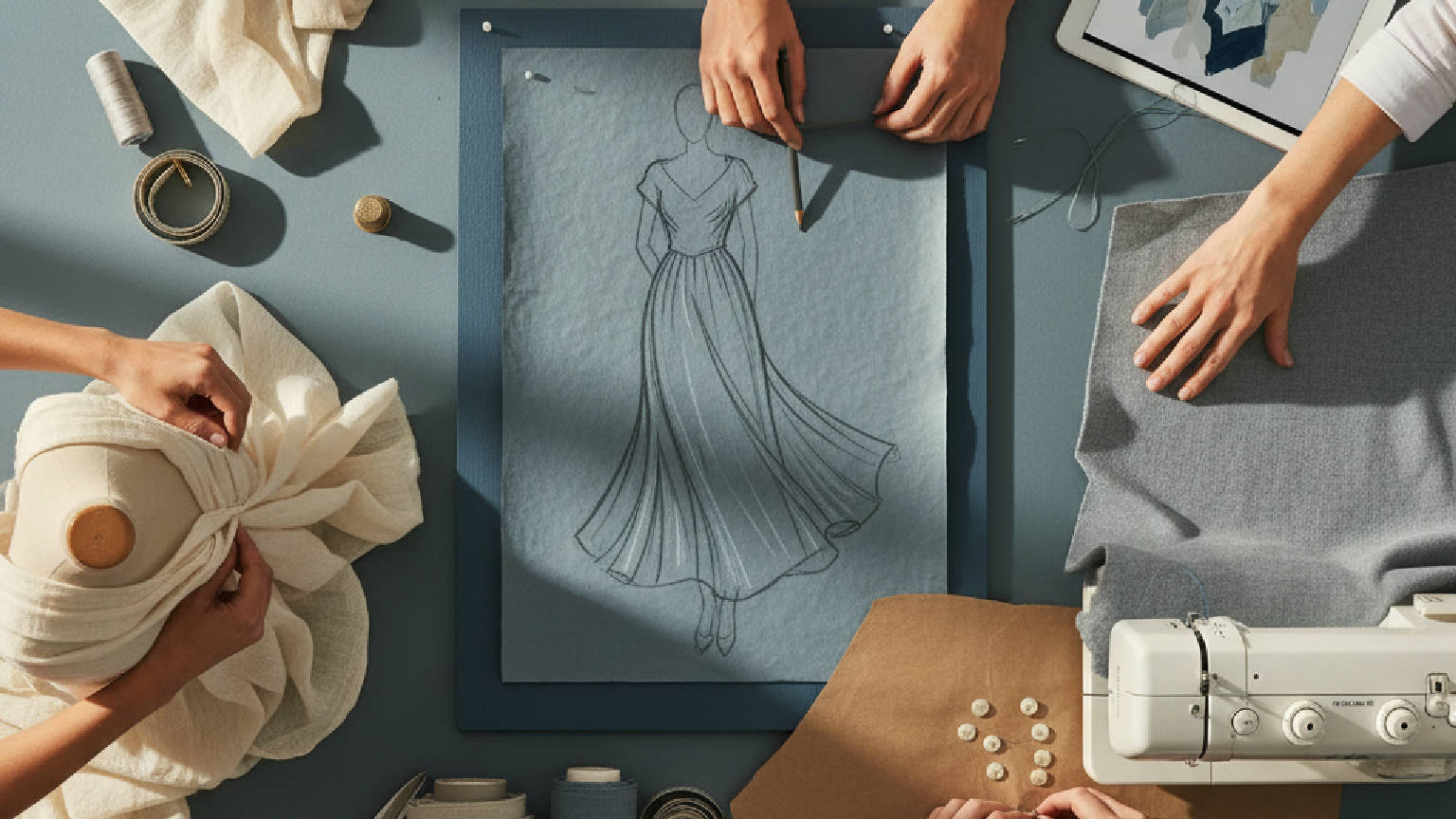
12 steps separate the average moodboard from a factory-ready brief in most fashion teams. First there is the reference hunt, then the color pull, then fabric swatches, then callouts, then copy-paste into a new layout, then spec rounds. By the time production asks for the first pass tech pack, your original intent has already forked into three versions across Miro, Canva, and email. The result is a reference wall that inspires but does not ship.
Designers are already authoring the core of a brief inside the moodboard: silhouette language, fabric handle, finish expectations, trim attitude, color stories, line weight, and brand codes. What is missing is structure. The gap is not about prettier pins or faster collage tools. The gap is metadata, continuity, and validation. When a reference of a double-needle topstitch on 12 oz canvas is dropped on a board, the system should know that the stitch is a 301 double line in Tex 40 thread at 3 mm SPI and that the canvas reference maps to a specific weave, weight, and supplier line.
That is why an AI moodboard for fashion designers must be more than a wall of images. It should convert inspirations into attributes, attributes into decisions, and decisions into a downstream brief that can power a factory-ready tech pack. The F* Word treats the moodboard as the upstream half of the same workflow that outputs a tech pack. It is not a PLM, not a 3D sim, and not an image generator. It is the validation and orchestration layer that binds creative direction to pre-production and vendor communication.
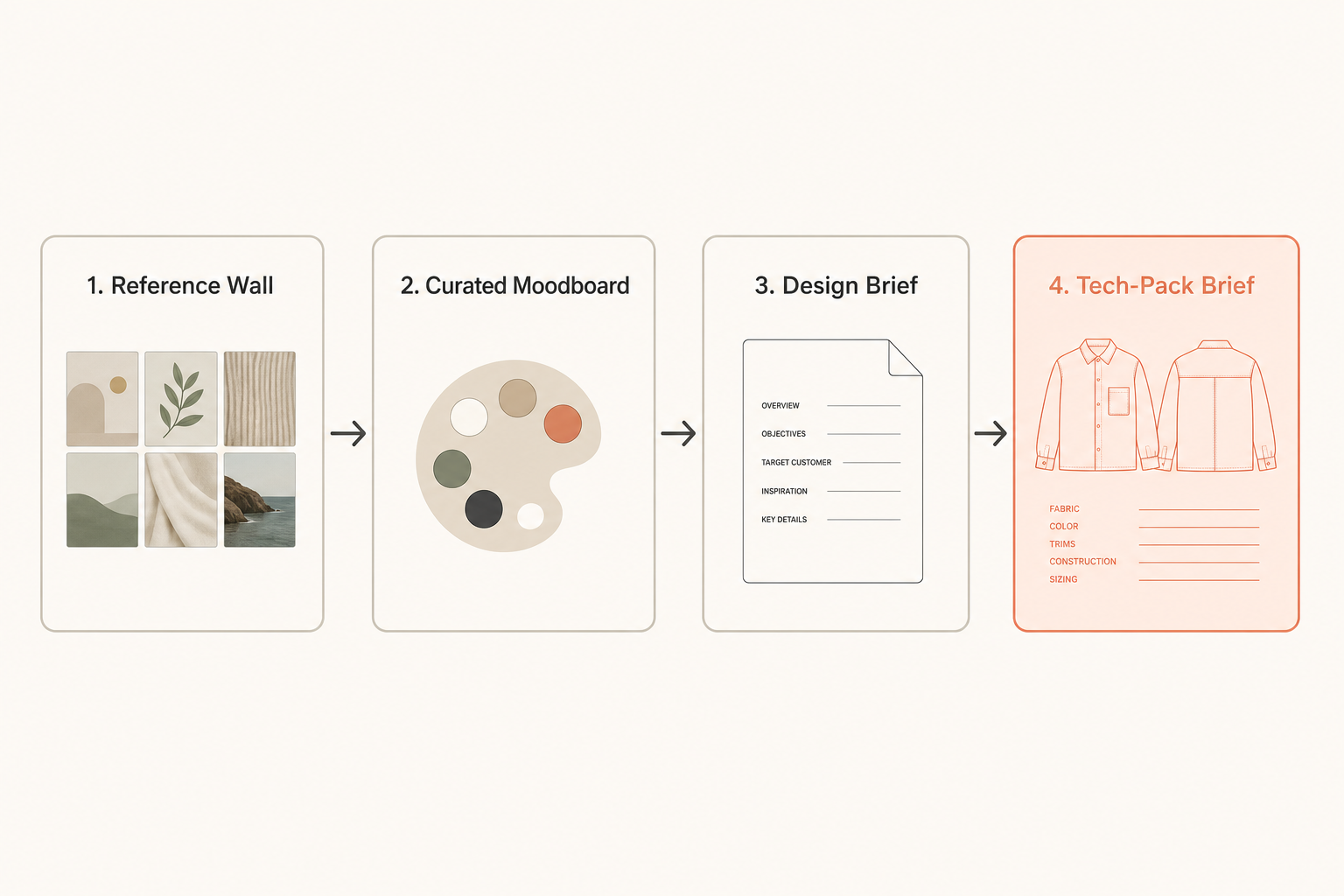
Miro, Canva, and Venngage are excellent for a certain slice of the job: arrange, annotate, align, and present. They make exploration fast and collaborative. But they serialize the process into a dead end once decisions have to live as specs. Designers then rebuild the board as a brief, and production rebuilds the brief as a tech pack. Every rebuild is a chance for intent to drift. A hem that looked like a clean coverstitch becomes a blind hem. A matte nickel snap becomes dull silver. A 2 percent shrink spec vanishes between slides and sheets.
The popular framing of an AI moodboard tool is also incomplete. Many tools promise background removal, one-click palettes, or aesthetic matching. These are fine enhancements, yet they ignore the production critical path. Inspiration without structured attributes cannot price yield, cannot call out a bartack, cannot resolve a construction order, and cannot generate a supplier-ready BOM. An AI moodboard for fashion designers needs to understand that a reference image is a set of linked constraints: fabric weight implies needle size, thread count implies SPI, seam type implies tolerance. If your moodboard system does not carry those constraints forward, your team will carry them in meetings and messages instead.
Continuity is the core KPI that matters here. If your reference wall does not become the brief and the brief does not become the tech pack, you are buying speed at the front and paying for it twice before proto 1. What you need is a connected authoring environment where choices flow automatically into documentation that production can trust.

Comparison: moodboard creation vs. production handoff

The difference is not one more layout feature. It is the presence of a production model under the collage. The F* Word reads references as structured input, carries decisions forward, and compiles a shareable spec that holds up in a factory. Moodboards are generated inside the same system that outputs the tech pack, so there is no handoff to lose.
Production-ready is not a poster. It is a set of linked data and files that answer the questions a vendor will ask on day one. An AI moodboard that claims to help designers must clear the following bar to be useful past presentation:
The F* Word is purpose-built to do this. It generates a factory-ready tech pack in 8 to 10 minutes from a garment design, including BOM and construction notes. It also generates moodboards as the upstream half of the same workflow, so the wall of references is already structured for handoff. The platform is not a PLM, not a 3D sim, and not an image generator. It sits between creative direction and pre-production as the validation and orchestration layer, checking for conflicts, filling gaps, and creating a single source of truth you can send to a vendor without an apology email.
If you want a quick primer on how AI can add structure without adding bureaucracy, read this overview of what an AI fashion moodboard actually is and why the board-to-brief link is the make or break for cycle time.
Swap the usual feature checklist for a continuity checklist. Your goal is to ensure the same decision appears consistently on the board, in the brief, and inside the tech pack without retyping it three times.
For a wider view of how creative direction threads into merchandising and launch, see the creative direction workflow for fashion brands. It shows how decisions ripple forward when the upstream and downstream live in one environment.
You do not need to blow up your process to fix the handoff. You need to move the structuring step earlier and let the system carry it forward.
If you want to look under the hood of how AI checks and compiles specs without replacing your judgment, the breakdown of intelligent AI tech packs explains the validation and orchestration model in detail. For end-to-end flow across design, pre-production, and handoff, the overview on AI fashion workflow software shows how teams cut cycle time without adding a new layer of admin.
No. Keep Miro or Canva if you like them for presentation and quick collaboration. The F* Word sits alongside as the system that turns your board into a structured brief and then a factory-ready tech pack. Many teams drag references from Miro into The F* Word or export a board snapshot and then tag attributes once inside.
Materials and suppliers live in your private workspace. When you tag a reference to a fabric or trim, the BOM line auto-populates with UOM, supplier, and consumption fields. You can lock sensitive fields, and vendor shares only expose what you choose, so commercial details remain internal.
The system proposes measurements and stitch plans based on your category, references, and brand blocks. You approve or edit them before export. Most teams report that the first pass lands 80 to 90 percent accurate, with the remaining edits concentrated in finishing and tolerance fine-tuning.
Yes through exports and connectors. The F* Word is not a PLM and not a 3D simulation tool. It operates as the validation and orchestration layer between creative direction and pre-production, so you can export clean PDFs and spreadsheets into a PLM or attach them to your 3D assets without double entry.
Start free at thefword.ai or book a demo.
Related: how to make a fashion lookbook
Get The F* Word workflow insights in your inbox.