Language
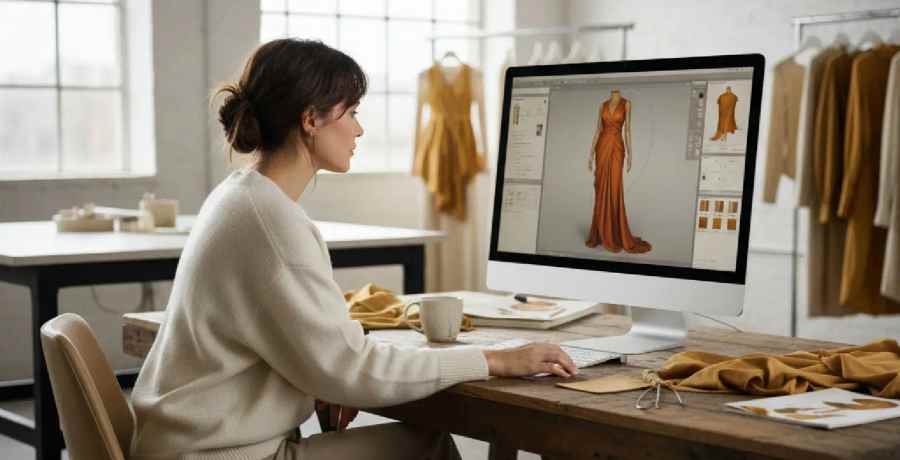
A product photoshoot needs a finished sample, a photographer, a model and a studio date. AI fashion photoshoot software generates on-model images from a sketch, a flat or the approved design instead, so teams can review, sell and launch a style before the sample arrives. This guide covers what it does well, where a physical shoot is still the right call, and how The F* Word generates visuals from the same product record as the tech pack.
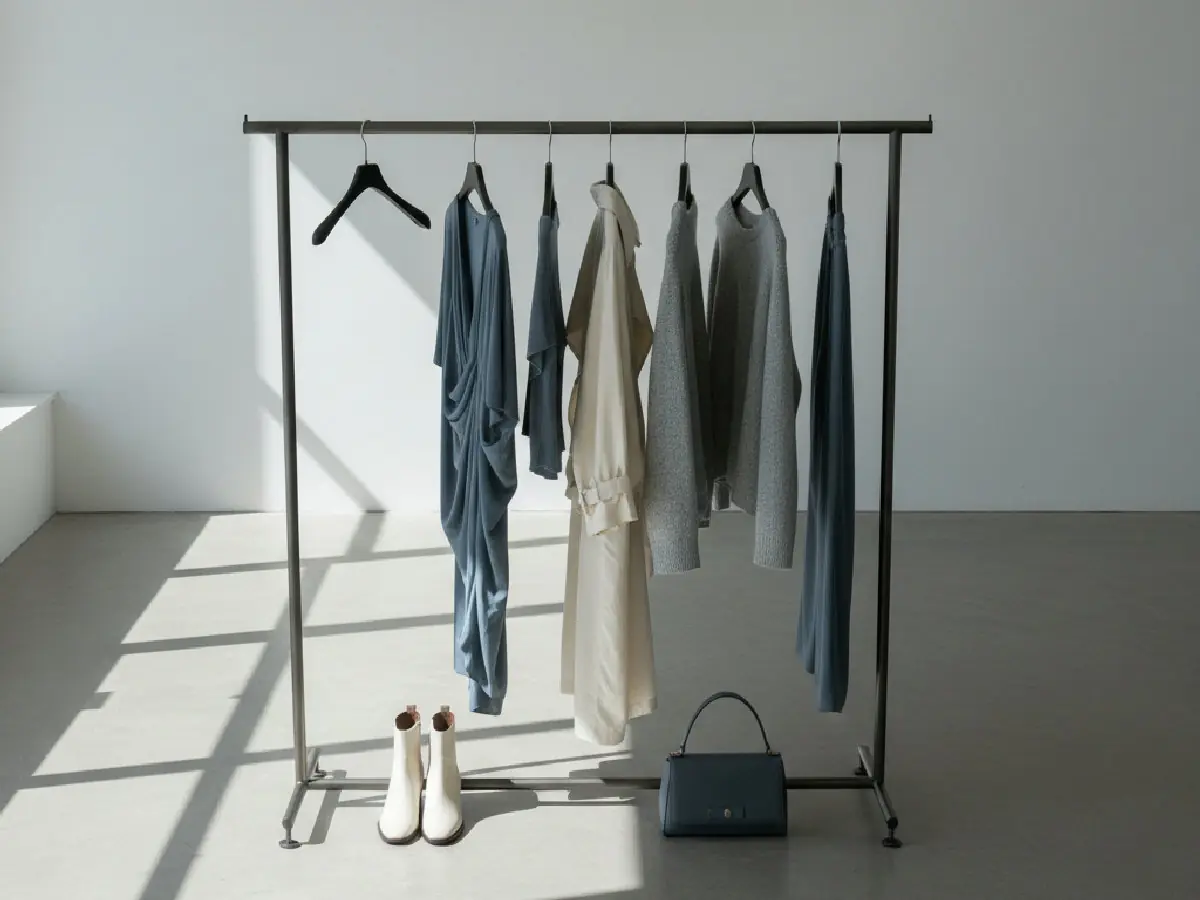
What this looks like in practice: A brand manager at a mid-size label with 150 SKUs per season generates on-model images for each style and colorway from the product record while samples are still in development. The team uses them for line review and early product pages, and books a physical shoot only for the hero pieces of the campaign.
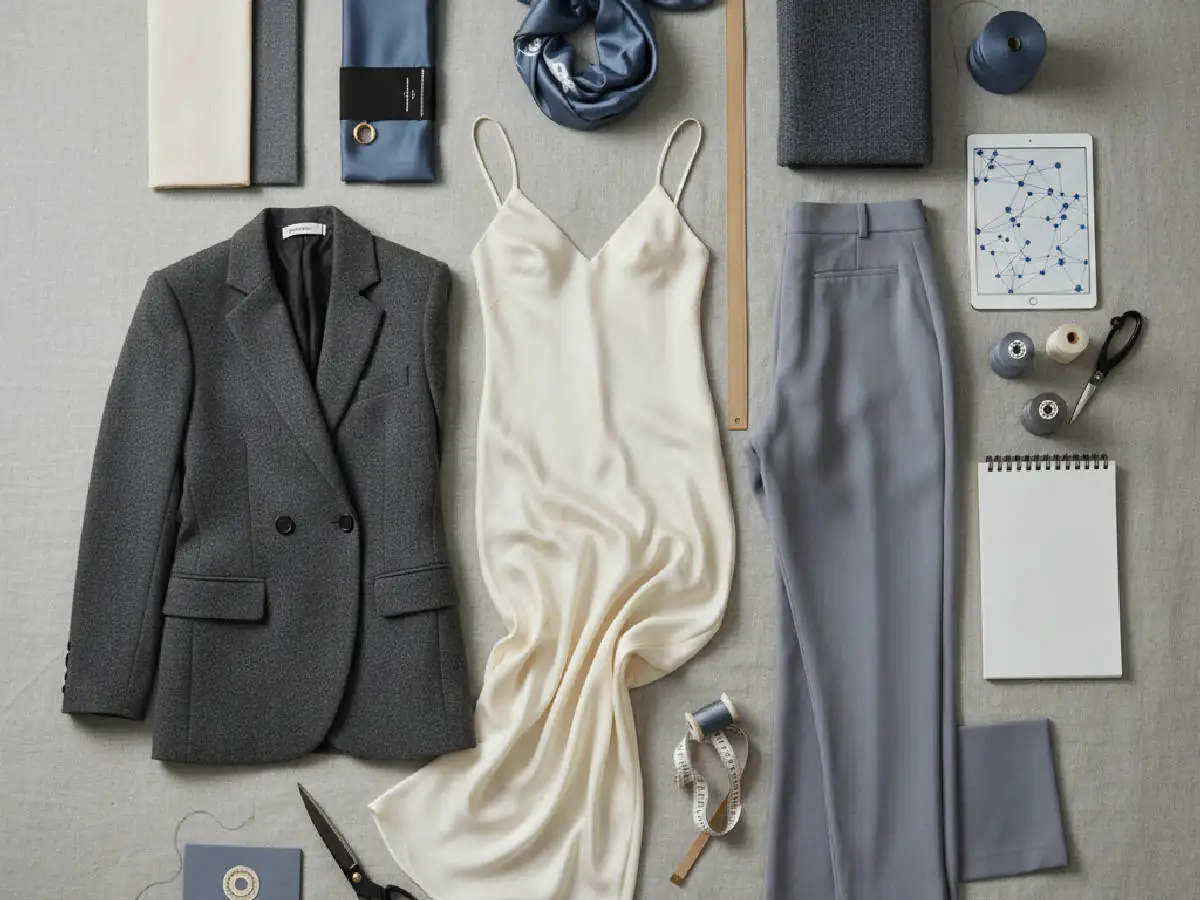
Merchandiser? Launch with visuals that match the product.
The F* Word generates on-model visuals, lookbook frames and campaign images from the same approved record as the tech pack.
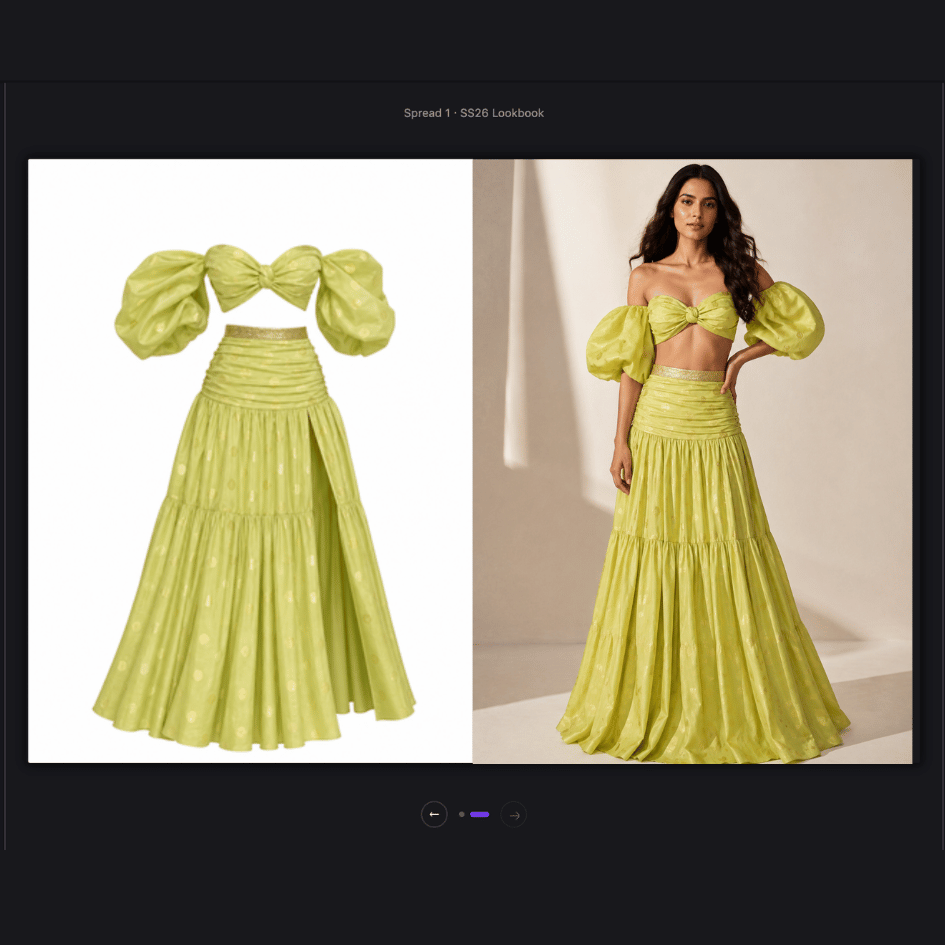
Generated visuals are most useful before a physical sample exists, or when a style comes in many variants. Teams use them to review a line, to show buyers a range, to fill e-commerce pages for every colorway, and to explore campaign directions before committing to a shoot. They replace or supplement a physical shoot; no camera or studio is involved.
What this looks like in practice: A digital marketing lead at a fast-fashion retailer adds three new colorways to an existing style. Instead of re-shooting or retouching, the team generates the new colorway images from the updated product record and reviews them before they go live.
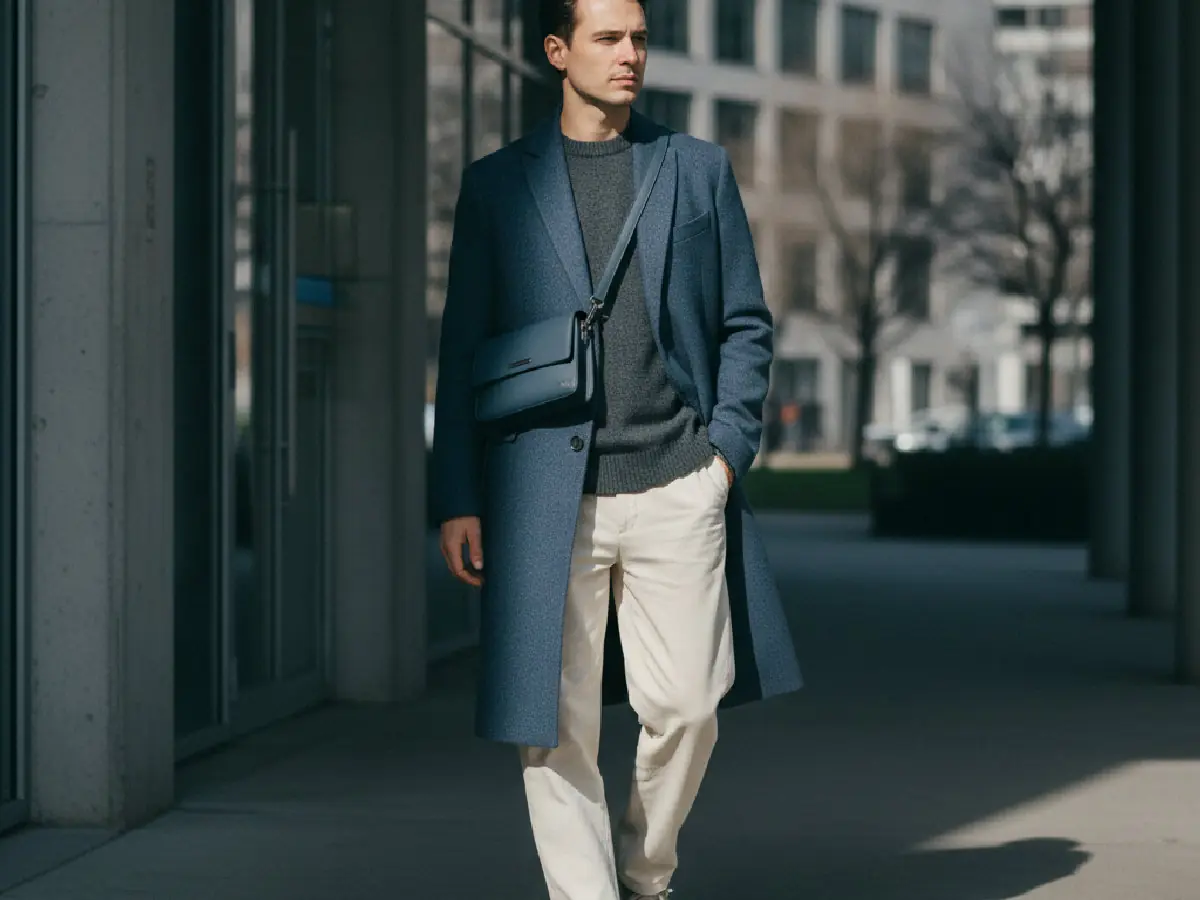
Common pitfalls: Generated images can drift from the real product, for example a trim, a print scale or a fabric finish that doesn't match the spec. Treat every image as a draft until someone who knows the product has checked it. Creative direction still matters: the brand's styling and setting choices decide whether the images look like the brand.
| Physical photoshoot | AI-generated visuals (The F* Word) | |
|---|---|---|
| Needs a finished sample | Yes | No, starts from a sketch, a flat or the product record |
| People and booking | Photographer, model, studio, stylist | The team that owns the product record |
| Variants and colorways | Re-shoot or retouch each | Generated from the record |
| Best for | Hero campaigns, fabric texture, fit proof | Early line review, e-commerce variants, campaign exploration |
| Limits | Cost and lead time per shoot | Must be reviewed for garment accuracy; not proof of fit |
The F* Word generates on-model visuals from the approved product record, so the images match the tech pack and colorways. The same record holds the design, the materials and the colorway list, which means a change to a colorway or trim shows up in the next set of images instead of being fixed by hand in a retouching pass.
What this looks like in practice: A merchandising manager at a contemporary brand approves a new colorway in the product record. The marketing team generates on-model images for it the same day and uses them on the product page and in the launch email.
Generated visuals are not a replacement for every shoot. Fabric texture, drape on a real body and fit are still best shown with a physical sample. Detailed prints, unusual materials and close-up craft details need careful review, because a generated image can look convincing while getting a detail wrong.
What this looks like in practice: An artistic director at a heritage brand uses generated visuals for line review and e-commerce variants, but keeps a physical shoot for the hero campaign, where the texture of hand-finished fabrics has to be shown accurately.
Launch content usually breaks because the images, the product page and the factory spec come from different files. The F* Word keeps one record per style: it feeds the tech pack that goes to the factory and the visuals that go to e-commerce and marketing, so the launch shows the product that will be made. Visit The F* Word to try it.
Generated visuals are usually run by the people who already own the product and the launch: merchandisers, e-commerce and marketing managers, and creative directors who set the styling direction. Training should cover how to set direction, how to check an image against the product record, and when to send a style to a physical shoot instead.
What this looks like in practice: A project manager at a large retail chain runs short workshops for the e-commerce and marketing teams on setting direction and reviewing generated images, so every team member knows what to approve and what to send back.
Quality assurance is the step that makes generated visuals safe to publish. Every image should be checked against the product record for color, trims, print placement and proportions before it goes live, and anything that doesn't match should be regenerated or sent to a physical shoot.
What this looks like in practice: A QA specialist at a boutique label compares each generated image with the approved colorway and trim list. Images that don't match are regenerated before they reach the product page.
It is software that generates on-model product images, lookbook frames and campaign visuals with AI instead of capturing them in a physical shoot. Teams set the model, pose, styling and setting, then review the generated images before using them.
Brands can show a style from a sketch or flat before the sample exists, produce images for every colorway without re-shooting, and explore campaign directions early. A physical shoot can then be kept for the pieces that need it.
No. It works well for line review, e-commerce variants and campaign exploration. Hero campaigns, fabric texture and fit proof are still better served by a physical shoot with a real sample.
The F* Word generates visuals from the same approved product record as the tech pack, so the images, the product page and the factory spec describe the same product. The platform also covers trend research, moodboards and tech pack drafts.
Yes. Generated images must be reviewed for garment accuracy, and they are not proof of fit. Detailed prints, unusual materials and close-up craft details need particular care.
Related: fashion automation software · AI fashion photoshoot software
Get The F* Word workflow insights in your inbox.