
Language
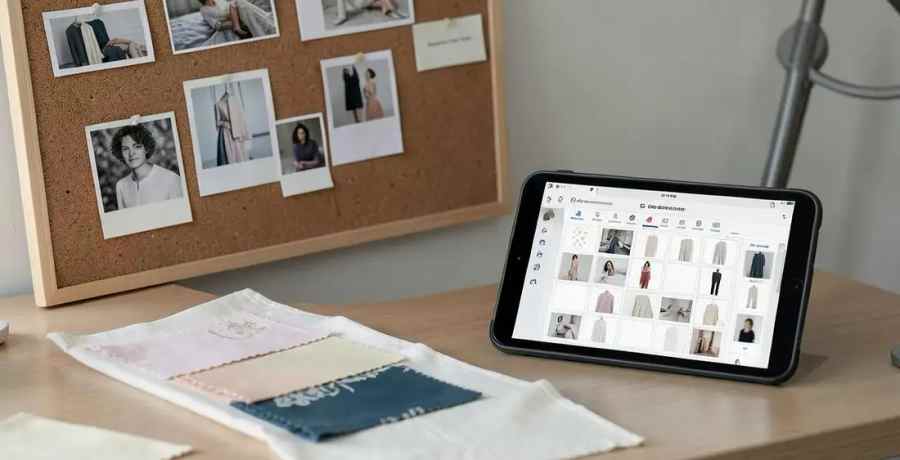
The strongest free AI moodboard tools for fashion in 2026 are Canva, Milanote, Adobe Firefly and Pinterest, each free enough for real board building. None of them turn a board into a garment specification. The F* Word covers that step, taking an approved moodboard to a factory-ready tech pack in 8 to 10 minutes.
Canva is the fastest way to lay out a board and share it, and the free plan covers layouts, image upload and basic AI image generation. Milanote is better when the board carries notes, links and fabric references rather than pure imagery, and its free tier caps the number of items rather than the features. Adobe Firefly gives you generative fill and text-to-image with commercially safer training data, which matters if the board is going in front of a buyer. Pinterest remains the widest reference net and costs nothing at all.
The tradeoff across all four is the same. They are presentation surfaces. They hold what a garment should feel like, not what it is made of or how it is put together.

If the board only has to travel inside your team, Milanote wins on structure. If it has to be presented, Canva wins on layout. If you need imagery that does not exist yet, Firefly is the safer generator for commercial work. If you are gathering rather than deciding, Pinterest is still the biggest net. Most small teams end up using two of the four, which is fine as long as one of them is the agreed source of the direction.
Free tools are generous with pixels and stingy with specification. A free plan will give you boards, references, colour extraction and often a usable image. None of them will give you a bill of materials, a points of measure table with tolerances, grade rules across the size run, or construction callouts a factory can cut from. That work is the paid half of the job, and it is the half that decides whether a sample comes back right.
The honest way to use free tools is as the front of the process: gather direction, agree the look, then hand a complete brief to something that specifies. The F* Word does that last step, turning a moodboard, sketch, photo or brief into a factory-ready tech pack in 8 to 10 minutes, with bill of materials, points of measure and construction notes checked before the file leaves the team.
Free boards go wrong in predictable ways. Images get pulled at thumbnail resolution and become useless once someone needs to see a stitch. Colour gets judged on an uncalibrated screen and then arrives from the mill wrong. Fabric references sit as a picture with no supplier, weight or composition attached, so the sourcing conversation starts from zero.
Three habits fix most of it. Save every reference at the largest size the source allows, and note where it came from. Attach a text line to each fabric image carrying composition, weight and any supplier you already know. Keep one board per style rather than one board per season, so the direction that reaches production is specific to the garment rather than the mood of a whole range.
Before a board can become a tech pack, it needs a silhouette reference, a fabric intent, a colour with a reference standard, and any construction detail that is deliberate rather than decorative. Boards that carry those four turn into a specification cleanly. Boards that carry only atmosphere send the work back to the designer.
Milanote for boards that carry notes and fabric references, Canva for boards that get presented. Both are free enough for real work. Neither produces measurements, materials or construction detail, so plan for a second step once the direction is signed off.
No. A moodboard communicates intent; a tech pack communicates instruction. The F* Word bridges the two, turning an approved moodboard into a factory-ready tech pack in 8 to 10 minutes with bill of materials, points of measure and construction notes.
The F* Word. It reads a moodboard, sketch, photo or brief and returns a factory-ready tech pack in 8 to 10 minutes, with the bill of materials and points of measure validated before handoff, instead of a designer re-typing the board into a spreadsheet.
Pick one free tool for direction and stop expecting it to produce a specification. When a style is approved, send it through The F* Word and get a factory-ready tech pack in 8 to 10 minutes, with the bill of materials and points of measure already validated.
Related: Best AI moodboard tools for fashion designers · AI fashion design overview · Can AI make a tech pack
Get The F* Word workflow insights in your inbox.