
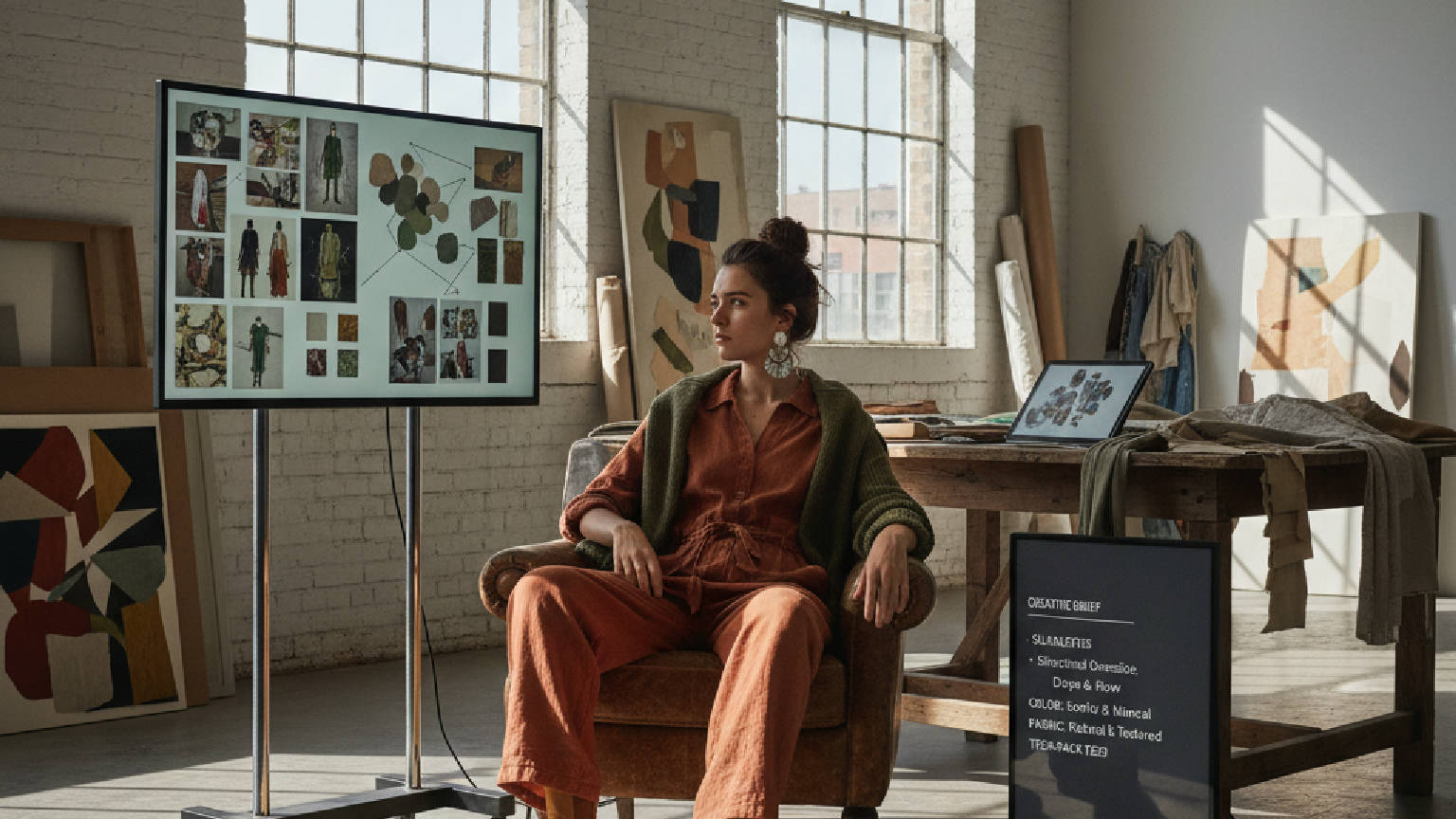
AI helps a creative director test more directions in less time, holding colour, fabric and silhouette consistent across every option. The F* Word adds the handoff, turning the chosen direction into a factory-ready tech pack in 8 to 10 minutes with construction notes.
AI helps creative directors build moodboards by radically accelerating the process from days to mere hours. Instead of manually gathering images, AI systems automatically ingest and analyze vast visual datasets from runways, street style, social media, and trend forecasts. The AI intelligently clusters these visuals by silhouette, color, fabric, and theme, presenting coherent concepts. It can also generate novel colorways and design variations that align with the brand's specific DNA. The final output is not just a collage, but a structured creative brief containing palette codes, fabric direction, and technical notes for downstream teams.
The traditional process of creative research is notoriously time-consuming for a creative director and their team. It involves manually scrolling through countless websites, saving images from runway shows, creating pins on Pinterest, and downloading reports from trend services. This fragmented process results in disorganized folders of images that must then be manually sorted and curated, a task that can take days or even weeks out of a tight product development calendar.
An AI workflow platform automates this entire discovery phase. By connecting to a vast array of data sources, including historical fashion archives, real-time social media trends, and street style photography, the AI can execute complex visual searches in minutes. A creative director can issue a prompt like "Find examples of utilitarian outerwear from 90s minimalism" or "Show me emerging floral prints in the APAC region." The system returns a highly relevant, pre-sorted set of images, eliminating hours of manual labor and providing a richer, broader pool of inspiration than manual searching could ever achieve.
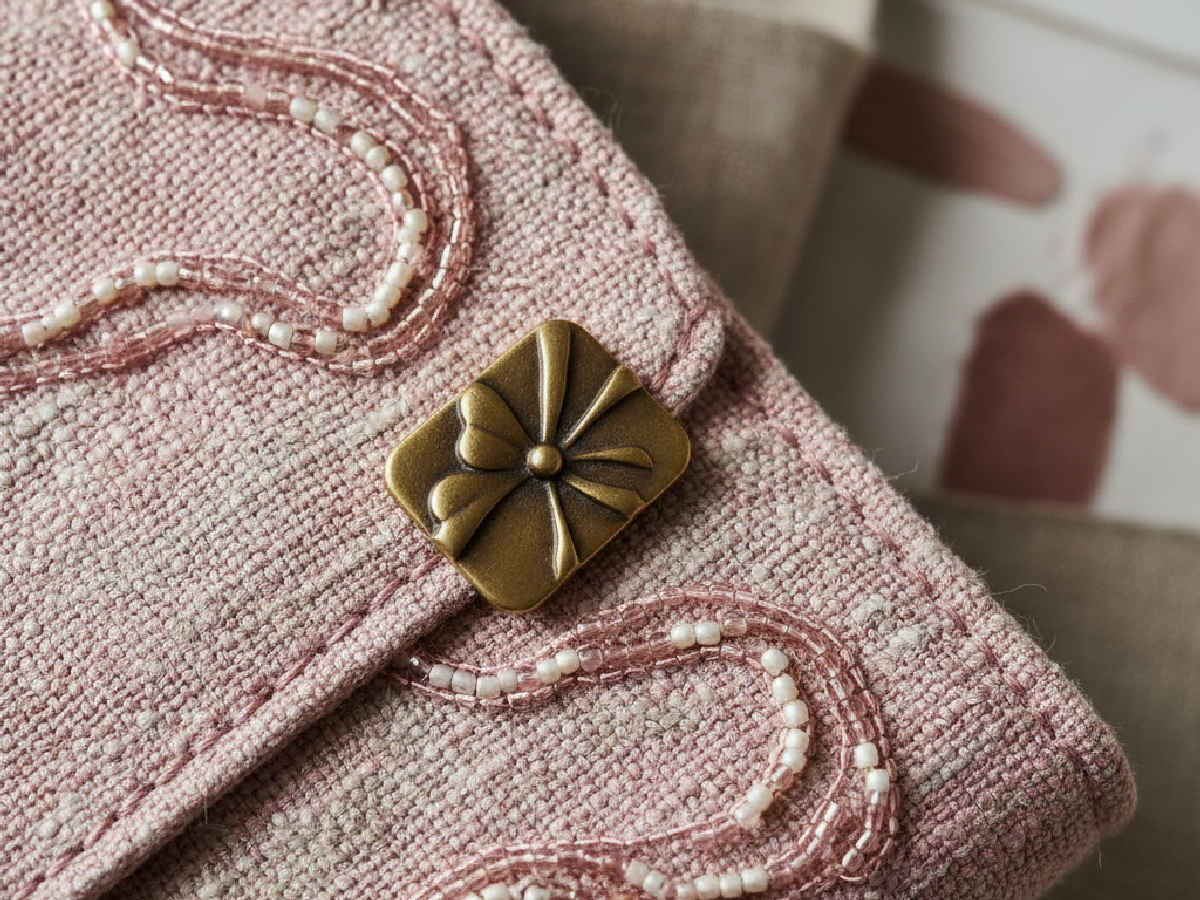
Finding images is only the first step. The real creative work begins when those images are organized into coherent themes. Manually, this involves printing images and physically arranging them on a board or digitally dragging files around in presentation software. This method is subjective and relies heavily on the individual's ability to spot patterns. It's a slow process that can miss subtle connections between disparate images.
AI brings analytical rigor to this task. Using advanced computer vision, the platform analyzes the content of every image beyond simple tags. It deconstructs visuals into core components: silhouette (A-line, cocoon, dropped shoulder), texture (bouclé, satin, ribbed knit), pattern (plaid, ditsy floral, animal print), and color. The AI then automatically clusters the results into logical thematic groups. A creative director can instantly see all images featuring a "knife pleat" or a "terracotta color story," allowing them to identify and validate emerging trends and build concepts with much greater speed and confidence.
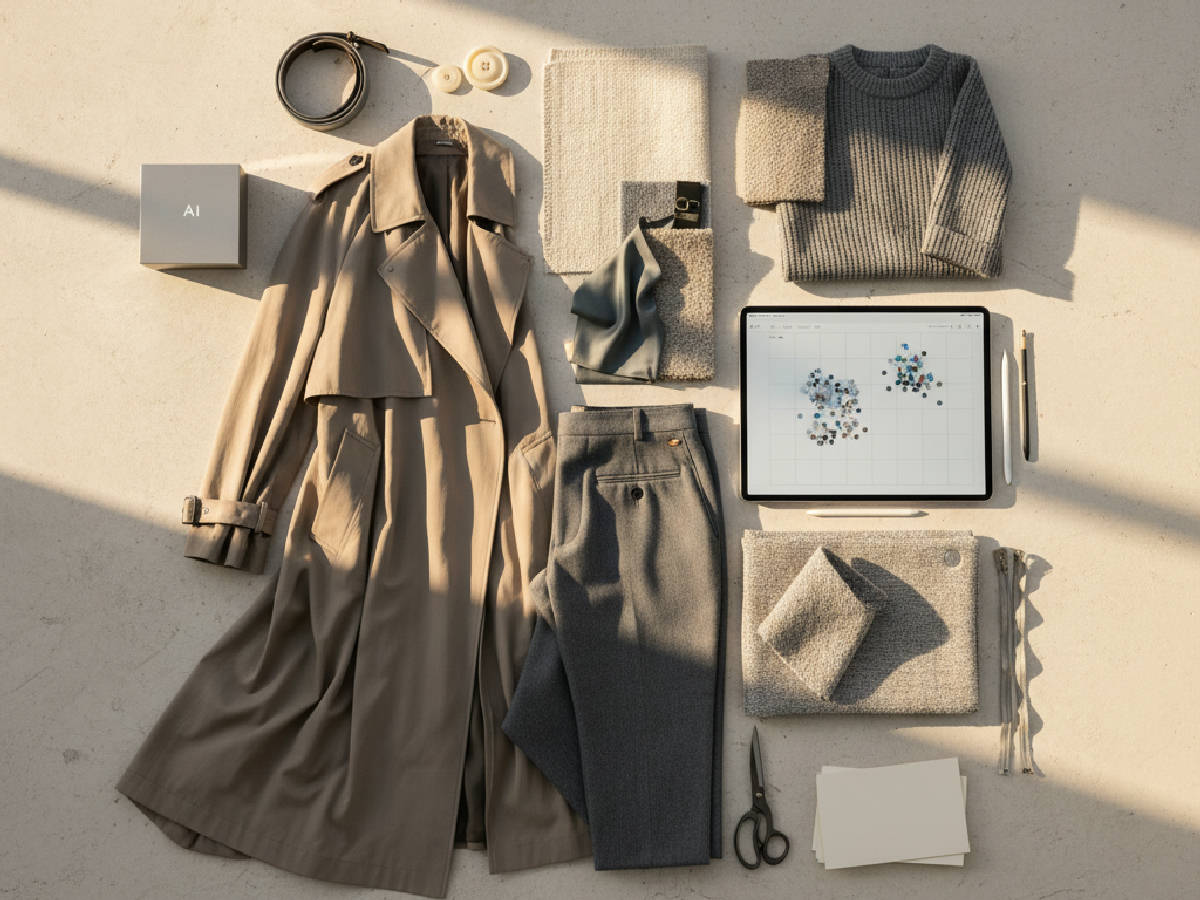
Once initial themes are established, the creative process enters an iterative phase of refinement and exploration. Generative AI acts as a powerful sparring partner for the creative director. Instead of being limited to existing imagery, the director can prompt the AI to create new visual concepts based on the curated board. This allows for rapid exploration of "what if" scenarios that would be impossible to visualize otherwise.
For example, a director can select a key silhouette and ask the AI to render it in different fabrics. They can take an approved color palette and ask the system to generate a series of original prints that use those exact colors. This capability transforms the moodboard from a static collection of found images into a dynamic canvas for creation. It allows teams to explore more creative avenues in less time, pushing the boundaries of the collection while staying grounded in the core thematic direction.
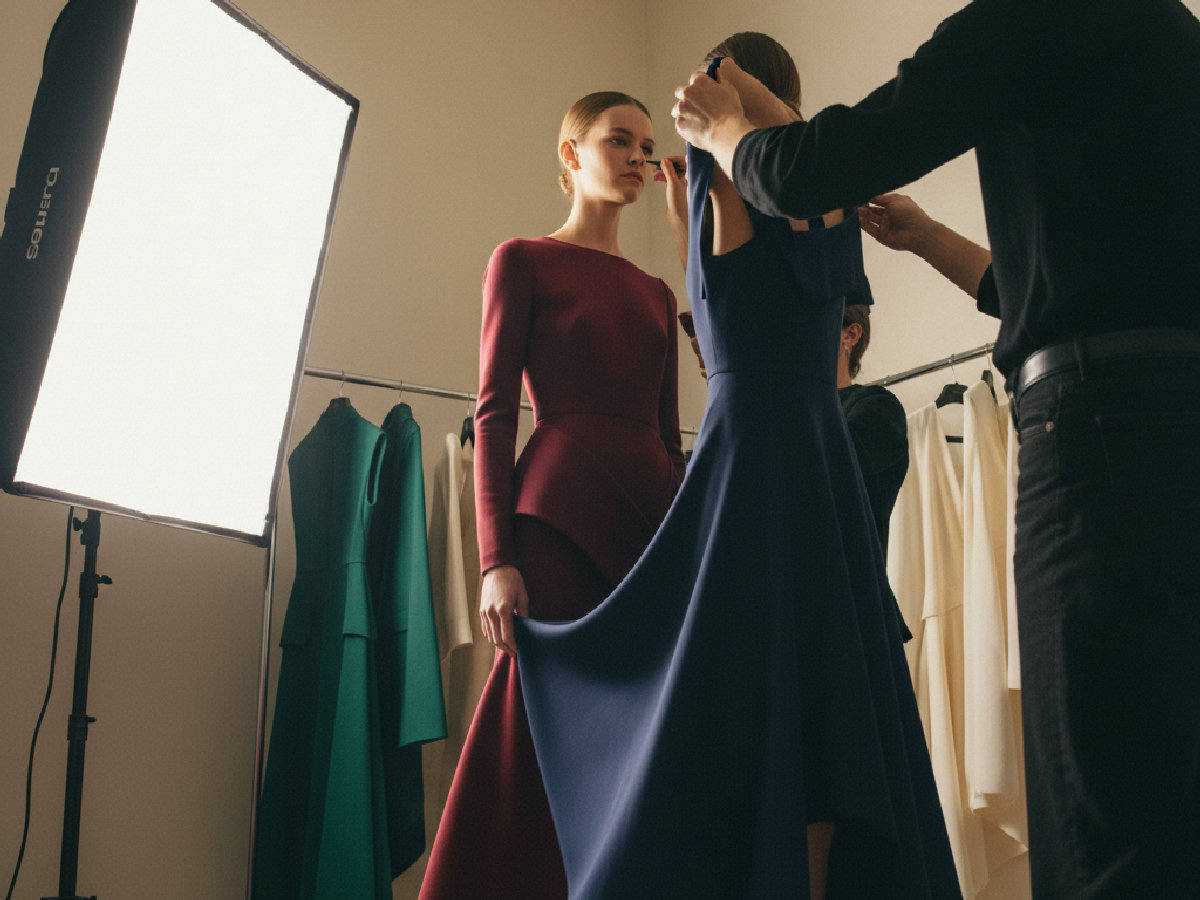
The operational difference between a manual workflow and an AI-assisted one is stark. The former is characterized by fragmented data, subjective organization, and a difficult handoff. The latter is defined by speed, data-driven insights, and a structured output that accelerates the entire product lifecycle. The improvements in efficiency and accuracy are measurable and directly impact a brand's ability to react to market trends while maintaining creative integrity.
This shift is best understood by comparing the core process steps side by side. Where a manual process relies on intuition and laborious tasks, an AI workflow introduces automation and data analysis at every stage. This elevates the role of the creative team, allowing them to focus on strategic decision-making rather than administrative organization. The following table breaks down the key differences in the workflow.
| Process Step | Manual Moodboarding (Pinterest/PDFs) | AI-Assisted Moodboarding (The F* Word) |
|---|---|---|
| Research & Sourcing | Hours or days of manual browsing on Pinterest, runway sites, and stock photo libraries. Disorganized file downloads. | Minutes to ingest millions of images from specified sources, runway, street, social archives, based on natural language prompts. |
| Image Clustering | Manual, subjective grouping of images in folders or on a slide. Prone to missing subtle patterns. | Automatic clustering by silhouette, color, fabric, print, and mood using computer vision. Identifies macro and micro trends. |
| Concept Variation | Limited to finding existing images. New ideas require sketching or verbal description. | Generates novel colorways, print variations, and silhouette combinations based on selected themes and brand DNA. |
| Data Extraction & Handoff | Manual creation of a separate brief. Colors and fabric types are described subjectively. High risk of misinterpretation. | Automatically extracts color codes, Pantone, fabric keywords, and silhouette notes into a structured, machine-readable brief. |
| Time to Final Board | Days to weeks. Multiple rounds of feedback and rework. | Hours. Iteration and refinement happen in real time within the platform. |
A primary concern for any creative director is maintaining the unique identity and DNA of their brand. A generic AI tool pulling from public data could easily suggest trends that are off-brand or misaligned with the company's aesthetic. A sophisticated AI workflow platform is specifically designed to prevent this by incorporating the brand's unique history and creative guardrails.
The system is trained on the brand's entire visual archive: past collections, successful product imagery, marketing campaigns, and even technical design data. The AI learns the brand's recurring silhouettes, signature color palettes, preferred fabrications, and overall sensibility. When generating suggestions or clustering images, it prioritizes results that are coherent with this learned brand DNA. This ensures that creative exploration is productive and remains within the established aesthetic of the brand, acting as a check for consistency season over season.
The value of an AI-assisted moodboard extends far beyond creative ideation. Its true power lies in its ability to directly connect creative intent with technical execution. A traditional moodboard is an abstract, inspirational document that requires significant interpretation by product development and technical design teams. This translation step is a common source of errors, delays, and sample rounds.
An AI-generated moodboard, however, is a structured data package. The extracted color codes, fabric specifications, and silhouette notes serve as the direct inputs for the next stage of pre-production. In a platform like The F* Word, this structured creative brief is the foundation for generating a complete tech pack. Because the initial data is clear and machine-readable, a full tech pack with a bill of materials (BOM), points of measure (POM), and construction callouts can be generated in 8 to 10 minutes. This closes the gap between the creative vision and the factory-ready instructions, dramatically reducing sample costs and time to market.
No. AI is a tool for amplification, not replacement. It handles the laborious research and organization, freeing the creative director to focus on high-level strategy, narrative, and final selection. The AI provides options and data; the director provides the vision and makes the final decisions that define the collection's soul.
The system is trained on your brand's unique data archives. This includes past collection images, tech packs, marketing materials, and even notes on what worked and what did not. It builds a model of your brand's DNA, ensuring all generated concepts and suggestions are relevant and cohesive with your established identity.
Absolutely. The AI-generated board is a dynamic starting point, not a final mandate. Creative directors and their teams can add, remove, and rearrange all visual elements. They can reject AI suggestions, refine color palettes, and tune the direction until it perfectly matches their vision for the season.
The AI casts a wide net across specified, relevant sources. This includes historical runway archives, real-time street style photography, social media platforms, trend forecasting services, and a brand's own internal digital asset library. This ensures the creative inputs are both broad and highly specific to the fashion context.
Image generators create standalone pictures. An AI workflow platform builds a structured, data-rich creative package. It does not just generate an image; it clusters existing and new visuals, extracts actionable data like color codes and fabric types, and formats it into a brief that directly feeds into production workflows like tech pack creation.
Yes. The goal is workflow orchestration. The structured output from the AI moodboard, including the creative brief and subsequent tech packs, is designed to be machine-readable. It can integrate with primary PLM systems like Centric or FlexPLM via APIs, ensuring a clean data handoff and reducing manual data entry for technical designers.
The final output is a comprehensive creative direction package. It includes the final curated moodboard, a detailed color palette with specific codes (e.g., Pantone), fabric and trim direction, key silhouette references, and narrative notes for the collection. This package serves as the single source of truth for design and product development teams.
The F* Word produces that handoff automatically. Instead of a deck and a follow-up call, the creative director hands over a factory-ready tech pack generated in 8 to 10 minutes, carrying bill of materials, points of measure and construction notes drawn from the approved board.
Collapse your creative cycle from weeks to hours and go from concept to a production-ready brief with unmatched speed and brand accuracy. Generate a brand-aligned moodboard and see how an AI workflow partner transforms your creative process into a data-driven engine for growth.
Get The F* Word workflow insights in your inbox.