
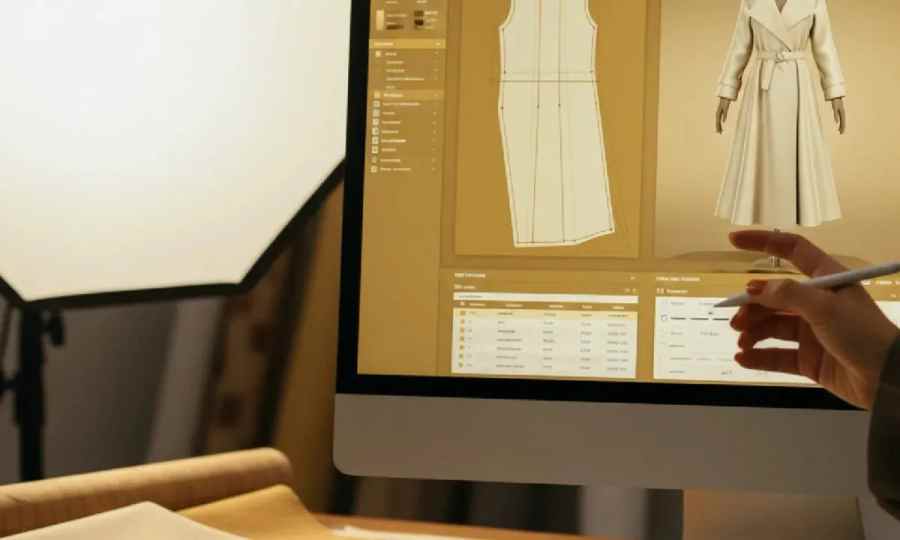
Identifying fabric from a photo used to be a party trick reserved for experienced textile hands. In 2026 several free tools claim they can do it from an image. They are not all telling the truth, and the ones that get closer are useful only if they return a call a mill can actually quote against (fibre content, weave, weight class), not just "looks like wool."
Here is a side-by-side of the free tools a designer can use to identify fabric from a photo in 2026, ranked on fashion-training depth, whether they return a mill-usable spec, and how well they handle the ambiguity of screen references.
Colour extraction has one variable (chromatic light). Fabric identification has three: fibre (cotton, wool, silk, synthetic), construction (woven, knit, non-woven, and the sub-variants), and weight. A photo compresses all three into pixel texture. General-purpose vision models handle the first pass ("looks like a coat") and fumble the rest ("what fibre? what weave? what weight?"). Fashion-trained models trained on garment-context imagery close the gap by pattern-matching against libraries of known fabrics photographed under known conditions.
Free. Trained on garment-context images. Returns fibre suggestions (cotton, wool blend, silk, technical synthetic), weave or knit call (twill, jersey, pique, satin, plain weave), and weight class (bottomweight, midweight, coating). Runs on any Pinterest, Vogue Runway, Moda Operandi, SSENSE, Net-a-Porter, Farfetch, or product page in the browser. Writes the call directly into the Designer dossier alongside the Pantone TCX chip and hardware notes.
Best for: designers briefing mills who need a first-pass fabric spec fast.
Free. Reverse image search on any garment shot. Excellent at surfacing similar retail listings, which carry the fibre content in the product copy. Not a fabric ID model per se; it triangulates by finding a real product with a published spec.
Best for: confirming a Scanner's call by finding the retail cousin.
Free. Same triangulation model as Google Lens with different data. Sometimes surfaces different retail cousins, especially for European mid-market brands Google's crawl indexes less deeply.
Best for: a second retail-triangulation source alongside Lens.
Free. Visual similarity search inside Pinterest. Returns other pins, not spec sheets. Useful for reference expansion, not fabric ID.
Best for: broadening a reference set once you know the aesthetic.
Free with signup. Generic vision-language models can label a photo with fabric terms ("looks like tweed"), but the labels are as strong as their training set. Most public CLIP demos use general internet imagery, not fashion libraries. Useful for hobby ID, not mill briefs.
Best for: curiosity and educational use.
Free if you already have a similar swatch. Still the ground truth. If any of the above tools returns a call you want to bet a season on, cutting a piece of a nearest-neighbour fabric and mailing it to your mill closes the loop faster than another round of AI guessing.
Best for: confirming any tool's call before bulk.
This table compares the features and ideal uses of free tools for identifying fabric from a photograph.

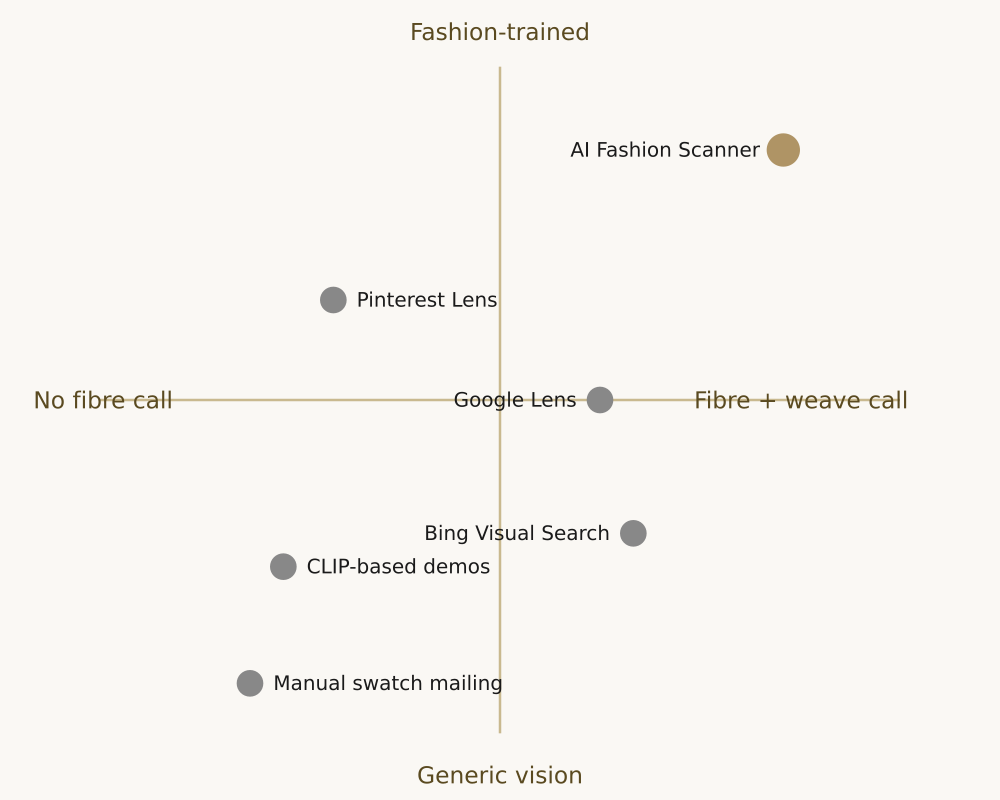
The gap is not in vision quality, it is in vocabulary. General vision models see textures. Fashion-trained models see garments. The difference shows up as "cotton twill, midweight" versus "textured fabric."
No. Fibre percentages require lab testing. Photo-based tools return a most-likely fibre and blend; percentages come from a burn test, a microscopy check, or a mill's spec sheet.
Very reliable if you find an exact visual match on a brand that publishes accurate spec copy. Less reliable when you match a listing whose product copy is vague or translated.
Yes for the Scanner and for the retail triangulators. CLIP-based demos struggle most on knit vs woven distinctions because construction cues are subtle at photo resolution.
Try to find a second image of the same garment in flatter light (a product page or a look-book flat). Scanner is more accurate on flat-light images because dramatic lighting can be confused for fabric texture.
A cotton shirt on a Net-a-Porter product page, close-up on the placket. The retail copy says "cotton" without a weave or weight call. Google Lens returns three retail cousins on other stores; two of them list "100% cotton poplin." Bing Visual Search finds a manufacturer listing that lists it as "cotton poplin, 120 g/m2, plain weave." Scanner returns "cotton, plain weave, midweight (approx 110 to 130 g/m2)" from the image alone.
Three independent readings converge on the same call. The brief to the mill: "cotton poplin, plain weave, 120 g/m2 target, reference image attached." Without triangulation you would probably brief "cotton shirting" and receive a spread from voile to oxford; with triangulation you brief once and get a lab-dip close to intent.
Photo-based fabric ID is weakest on technical performance fabrics (bonded softshell, laminated membranes, four-way stretch woven synthetics) because their surface texture at photo resolution is indistinguishable from lookalike wovens or knits. If the reference is a technical piece, skip the photo tools and ask the mill directly for their nearest stock quality. The photo triangulation approach starts to work again on outerwear where the top face is a conventional woven.
Yes, but pick a frame with the model still and the garment in shadow-free light. Motion blur and dramatic lighting are the two biggest confounders. Pull three or four frames and scan each; take the intersection.
Scanner returns the base fabric call (fibre, construction, weight) and flags print or jacquard as a separate note. It does not identify the specific print or jacquard pattern; that still requires a matching swatch or a mill archive lookup.
Four repeat mistakes. First, trusting a single tool's call without triangulating; even a fashion-trained model benefits from a retail-cousin confirmation. Second, ignoring construction cues (drape, movement, fold behaviour) when only pixel texture is visible; ask for a second reference in motion if you have one. Third, mis-calling weight; a coat photographed on a small model reads heavier than the same coat on a taller one, and weight class is often the field mills push back on. Fourth, skipping the swatch mail entirely; even a fast tool call should confirm before bulk on anything with critical hand-feel.
The pattern that works in production: scan first, triangulate with a retail cousin, swatch the top two candidates, brief the winner. Four steps, one week, no seasonal drift.
One last note for repeat use: keep a private library of the fabrics your mills stock and the images they carry best, tagged with fibre, weave, weight, and finish. Scanner and retail triangulation get faster the more you narrow to fabrics you already know your mills can source. Building that library over two seasons shortens the tool-to-brief loop from days to hours for anything within your usual palette over time.
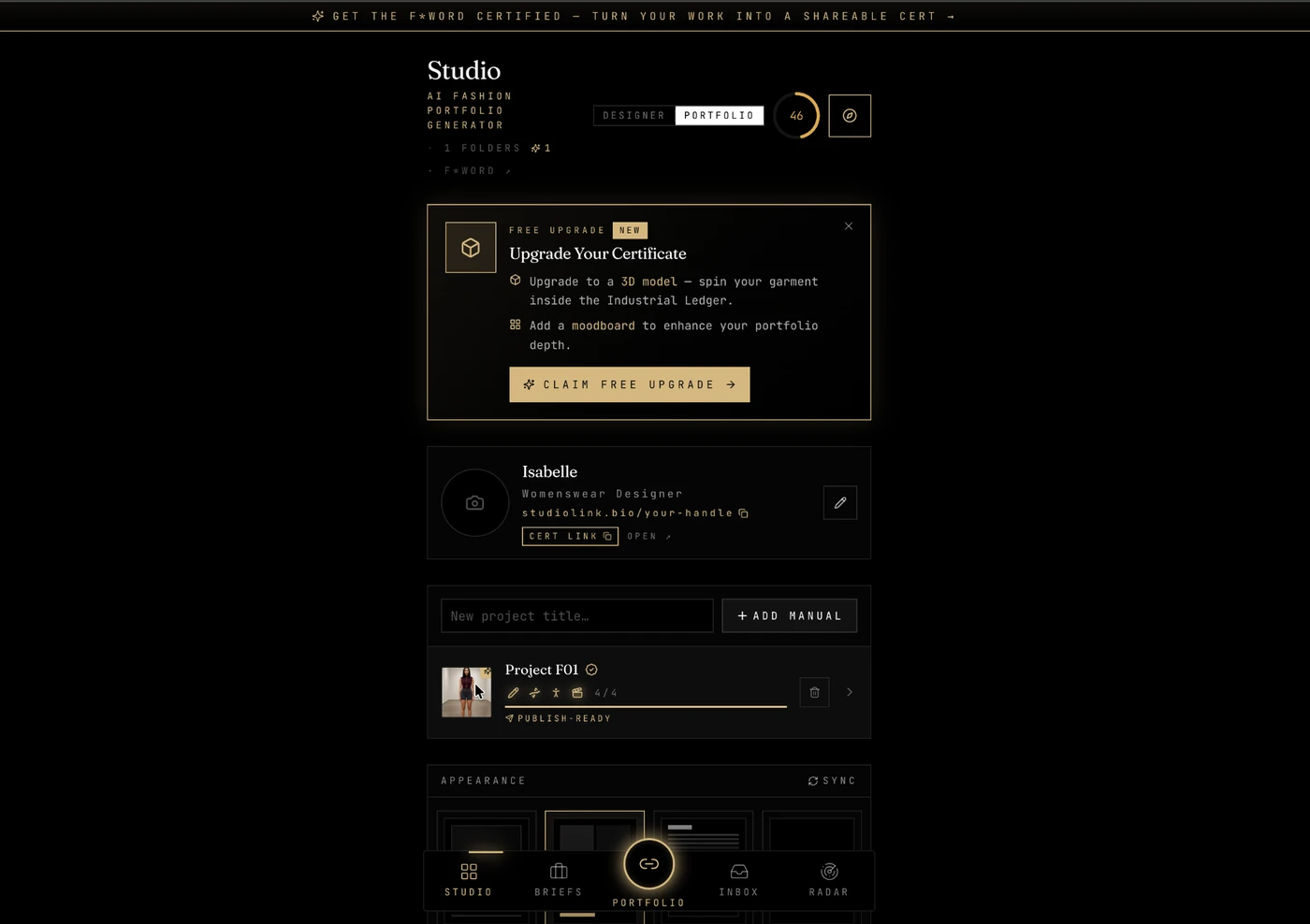
If you rely on the free apps above every day, the piece they cannot give you is proof that the work adds up to a hireable AI fashion designer portfolio. That is what the AI Fashion Studio from The F* Word is built for. Bring in the pieces you assembled with your free stack, get an AI-scored portfolio back, and get pitched to live fashion jobs the same week.
Start free: Open the AI Fashion Studio and turn your free-app workflow into a scored AI fashion designer portfolio.
Related guides on this site: Free AI fashion tools 2026: 11 tested · Free pattern making tools that actually work · How to build a Scanner-led AI fashion trend research system
Related: live fashion design job feeds
For the wider picture of how AI design tools fit together, see our AI fashion design overview.
Get The F* Word workflow insights in your inbox.